
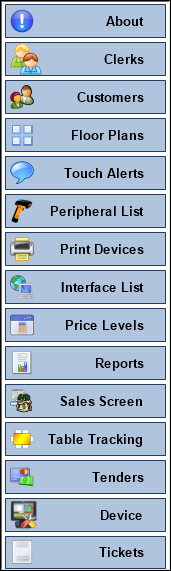
To access, select the Device Settings option from the Basic Tools menu. Used to access the device setting options available in order to be able to configure/view Touch POS device configurations.
Notes ...
It is highly recommended to ensure backups are made of the Swiftpos Touch Database and the Settings prior to any changes being made.
Menu Options ▲ ▼
- About
- Clerks
- Customers
- Device (Previously known as Terminal)
- Floor Plans
- Interface List
- Peripheral List
- Price Levels
- Print Devices
- Reports
- Sales Screen
- Table Tracking
- Tenders
- Tickets
- Touch Alerts
End of article ▲