
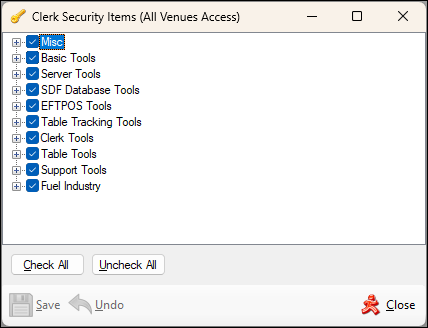
Screens ▲ ▼
Clerk Security Items Screen ▲ ▼
To access, select the Security option in the Device Settings menu. Used to grant/withdraw authorisation access to Touch POS features/functions for selected Clerk Groups. Security can also be configured for individual POS Keys HERE.
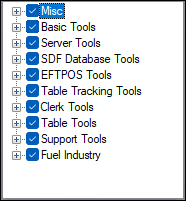
Expand one of the options listed below:
- Basic Tools
- Clerk Tools
- EFTPOS Tools
- Fuel Industry Tools
- Misc
- SDF Database Tools
- Server Tools
- Support Tools
- Table Tools
- Table Tracking Tools

- Check All - Select to enable all Security Settings.
- Uncheck All - Select to disable all Security Settings.

- Save - Select to save changes.
- Undo - Select to undo changes made.
- Close - Select to exit.
End of article ▲