
Subjects ▲ ▼
About ▲ ▼
When Is It Used? ▲ ▼
Used to schedule the printing of orders for the selected print devices. If no schedule is configured, then orders will print. Multiple schedules can be configured for a print device.
How To? ▲ ▼
Screens ▲ ▼
Printer Schedules Screen ▲ ▼
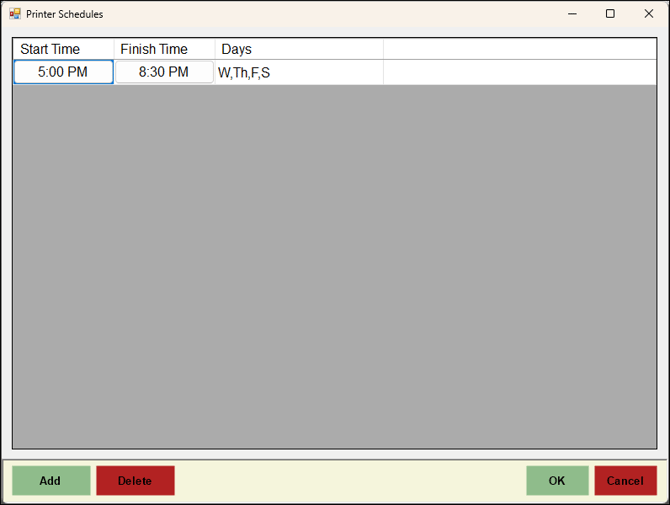
To access, select the Schedules option in the footer section of the Kitchen Printer screen. Used to schedule the printing of orders for the selected print device. If no schedule is configured, then orders will print. Multiple schedules can be configured for a print device.
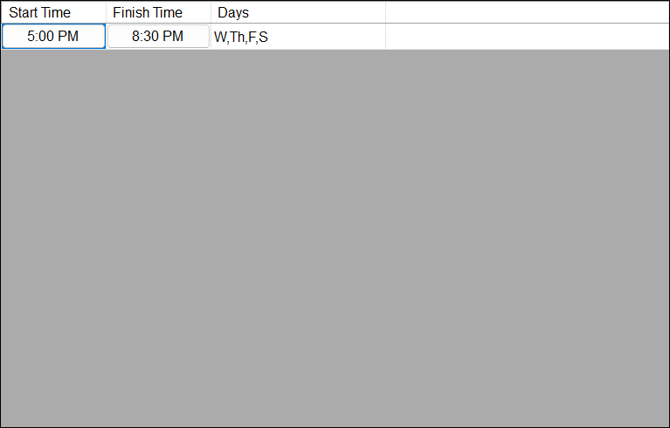
Lists the schedules configured for the selected print device, along with their Start/Finish Time and Days.
Notes ...
If no schedule is configured, then orders will print.

- Add - Select add a row in the grid to configure a new schedule.
- Delete - Select to delete the currently selected schedule.
End of article ▲