
This outlines How To Use Pocket Vouchers using the Pocket Vouchers (#95) POS Key.
How To? ▲ ▼
Firstly, do as follows:
In Touch, do as follows:
- In Touch select the Pocket Vouchers (#95) POS Key.
- At the Enter your Pocket Voucher Code prompt, enter the Pocket Voucher code.
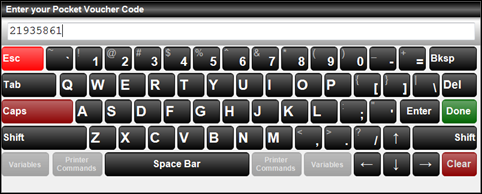
- Once entered Touch, will verify the code using the Service URL to ensure the Pocket Voucher is valid. It will then retrieve the action to be taken, that is associated with the entered code.
- Payment will be accepted by Pocket Voucher and any remaining payments will be left on the screen for completion.
End of article ▲