
This outlines How To View Device Information in Touchmini. The information provided maybe of relevance and requested by a Support consultant when troubleshooting an issue.
How To? ▲ ▼
How To View Device Information? ▲ ▼
Information that can be viewed is Status, Cloud Client, Device, Device ID, Location, Record Sales Location, Terminal ID, Menu Layout ID, App Version, Last Cloud Sync date/time and Last Settings Update date/time. To do this, do as follows:
- Select the Menu icon in the top left-hand corner of the screen. Refer HERE for more information.
- Select the Device Information option to display the Device Information screen to display the information related to the device.
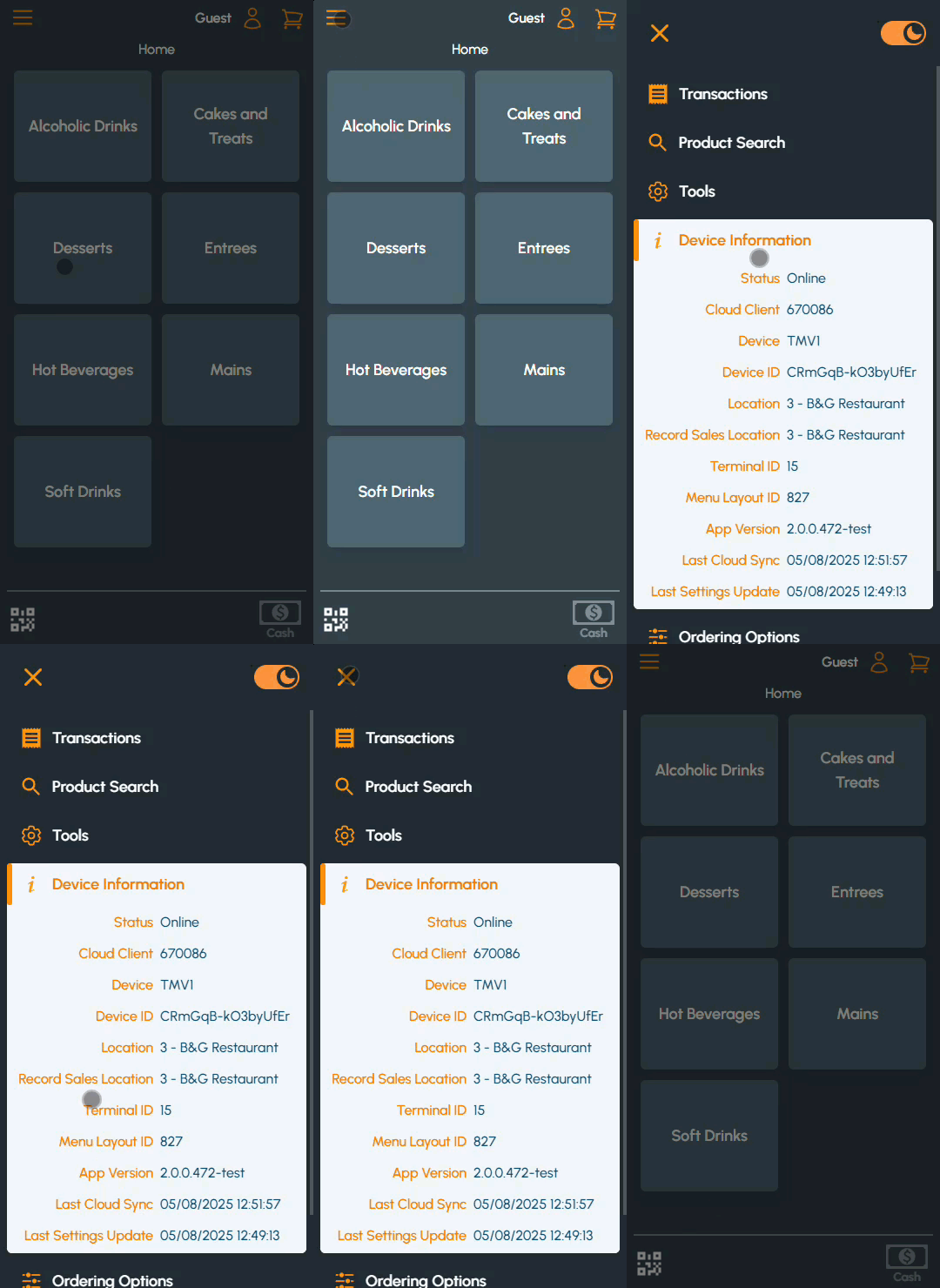
- Once viewed, select the X option in the top left-hand corner of the screen to exit and return to the Touchmini menus.
End of article ▲