
This outlines How To Access The Touchmini Menu in Touchmini. Used to access the Touchmini menu for more options such as, toggle between Dark/Light themes, view Transactions, search for Products, access the Tools menu, view device information, change Order options and Sign In/Out for staff.
Subjects ▲ ▼
How To Access The Touchmini Menu? ▲ ▼
Do as follows:
- Select the Menu icon in the top left-hand corner of the screen.
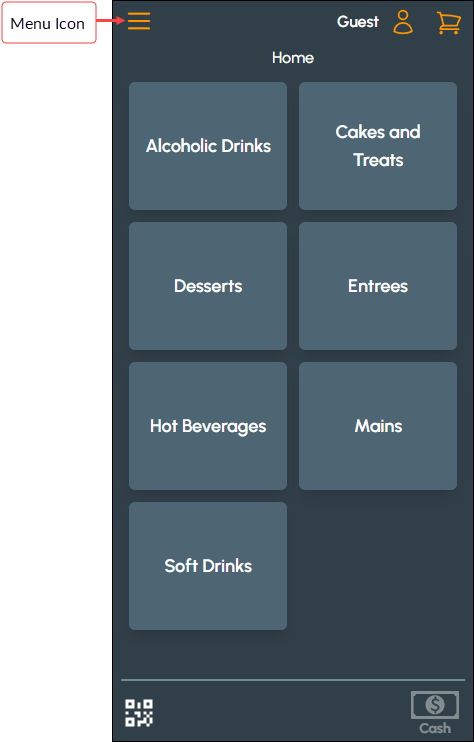
- Once selected the Touchmini Menu will be displayed. Refer HERE for more information.
What Is Required? ▲ ▼
- The device must be registered, enabled and configured to ensure it displays the Home menu.
End of article ▲