
To access, select Edit option in the Touch Settings screen and then select the Locations menu option in the Modify Terminal Settings screen. Used to configure Location related settings.
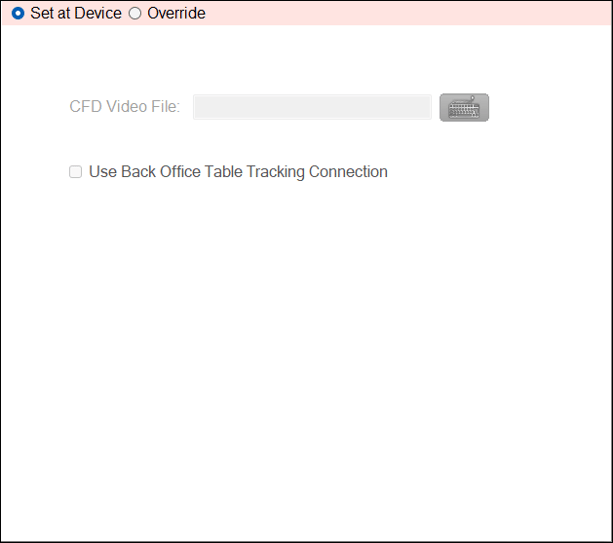
- CFD Video File - Displays/Enter the path and file name of the Video file to be played via the Customer Facing Display. Once configured make sure a Full Update is sent to all Swiftpos Touch terminals. Also, ensure the variable {locationvideo} is entered into the Video File/URL setting and the Set Default option selected, to ensure that the Video file configured here is used.
- Use Back Office Table Tracking Connection - Select to ensure the Table Tracking database connection configured HERE will be used.
End of article ▲