
Subjects ▲ ▼
How To? ▲ ▼
Screens ▲ ▼
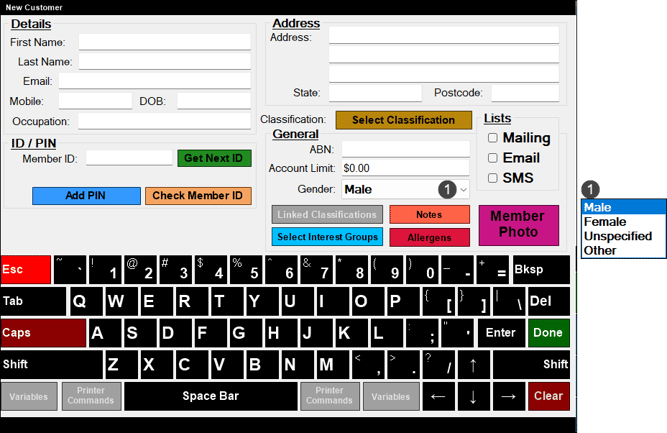
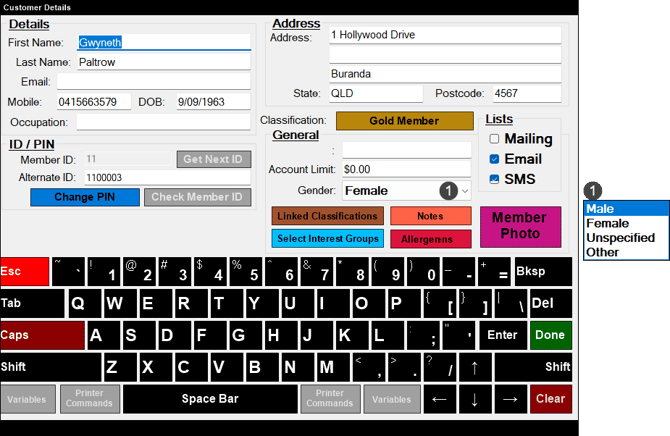
To access, select the Edit Customer Details (#60) POS Key in Touch. Used to edit the details of a Customer/Member in Touch. Given the content of the screen is exactly the same as the New Customer screen, refer HERE for more information on each section of the screen.
End of article ▲