
This outlines the How To Use A Pager using the Holman Paging system as an example.
How To? ▲ ▼
- Add items/products to an order/sale.
- Select the Customer Alert (#580) POS Key. The following prompt will be displayed.
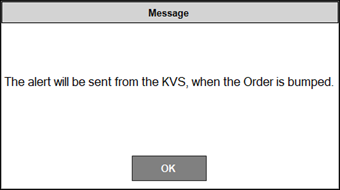
- Select OK.
- Finalise the order/sale.
In KVS, do as follows:
- Bump the order when the order is ready.
- The Holman Paging system will be notified and the alert will subsequently be handled by it.
End of article ▲