
This outlines How To Show Suites using the Show Suites (#951) POS Key.
Subjects ▲ ▼
About ▲ ▼
What To Consider? ▲ ▼
- Suites in Locations other than in the one associated with the current Terminal, CANNOT be displayed.
How To Show Suites? ▲ ▼
- Select the Show Suites (#951) POS Key.
- If the POS Key selected has the Show All Suites option NOT SELECTED, then only the Suites that are locked to the current Terminal will be displayed. For example:
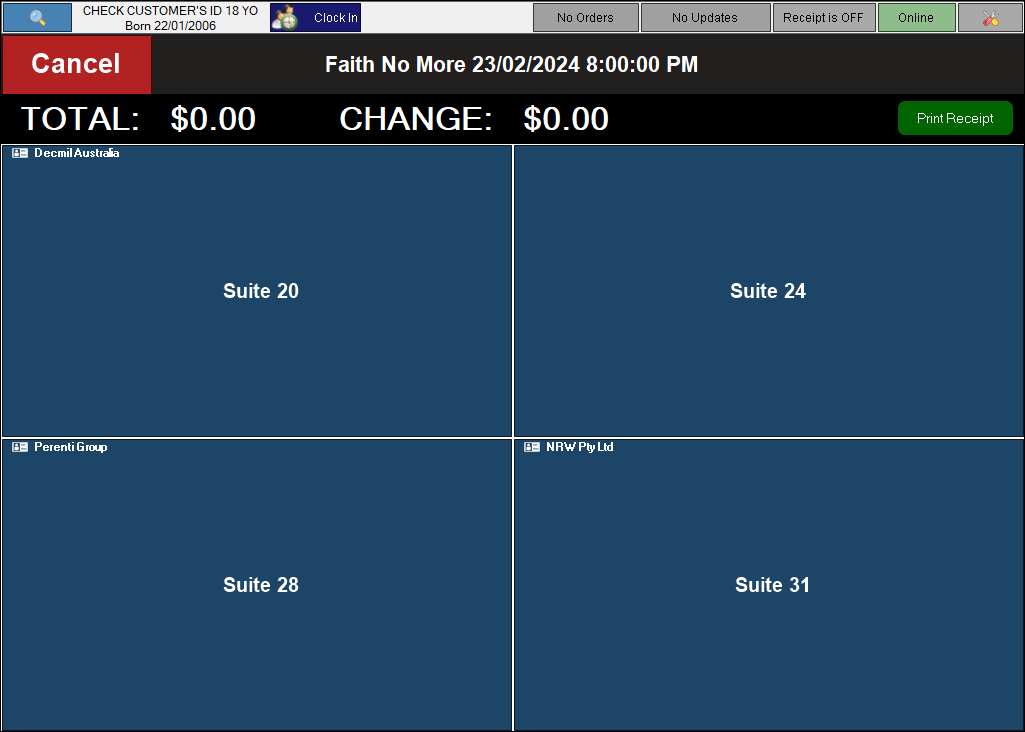
The Suites displayed above are all Locked to the current Terminal. Refer HERE for more information. Select one of the Suites displayed to ensure it is associated with the next order/sale, and it will then appear in the sales grid.
- If the POS Key selected has the Show All Suites option SELECTED, then all the Suites that are associated with the Location of the current Terminal will be displayed. For example:
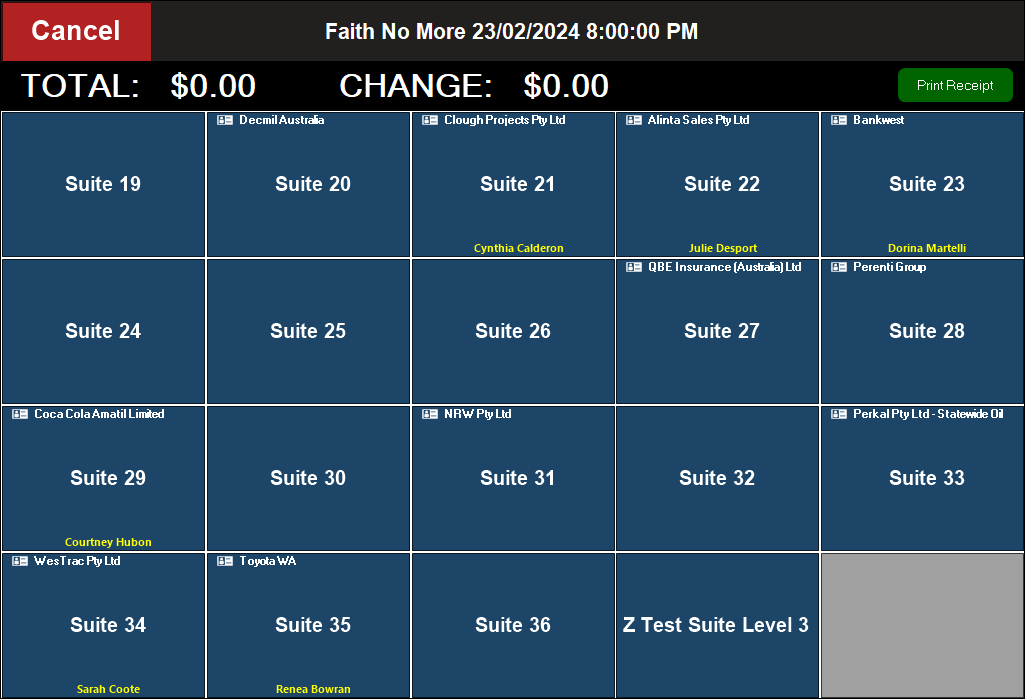
The Suites displayed above are all associated with the Location of the current Terminal. Select one of the Suites displayed to ensure it is associated with the next order/sale, and it will then appear in the sales grid.
In both of the above instances, select the Cancel option to exit the Suite selection screen without making a Suite selection.
End of article ▲