
This outlines How To Print A Quote using the Print Receipt / Table Bill (#11) POS Key in Touch.
How To? ▲ ▼
In Touch, do as follows:
- Add items/products to the sales grid.
- Select the the Print Receipt / Table Bill (#11) POS Key.
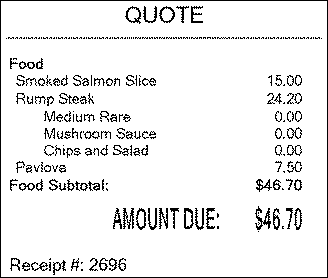
- A quote of what is currently in the sales grid will be printed with the text QUOTE.
End of article ▲