
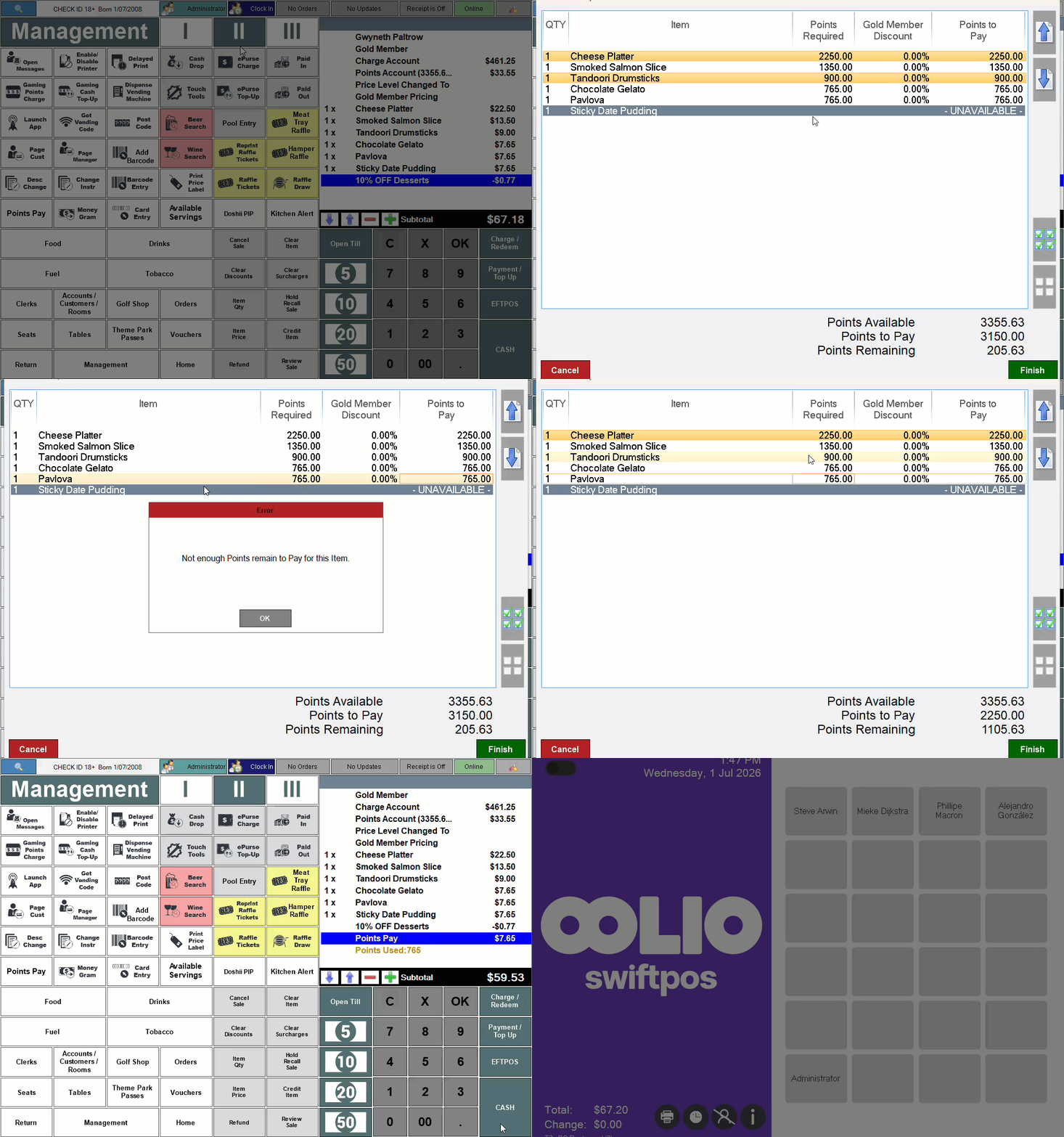
This outlines How To Pay By Redeeming Points using the Points Pay (#155) POS Key in Touch.
How To? ▲ ▼
In Touch, do as follows:
- Add a Customer/Member that has accrued loyalty points to an order/sale.
- Add items/products to the sales grid.
- Select the Points Pay (#155) POS Key.
- If the Points Pay (#155) POS Key is configured with the Select All Available Items when Opening Screen option SELECTED, and the total value of the order/sale CANNOT be redeemed in it's entirety using the Customer's/Member's available accrued loyalty point, then the following prompt will be displayed:
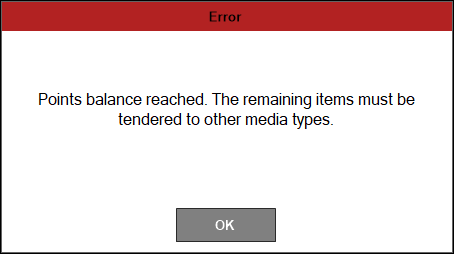
- Select OK to continue and open the Select Items to Pay with Points screen.
- If the Points Pay (#155) POS Key is configured with the Select All Available Items when Opening Screen option NOT SELECTED, then the Select Items to Pay with Points screen will be displayed.
- Select some, NOT all, of the items/products listed that can be paid with points.
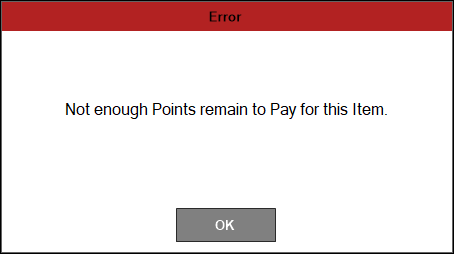
- If an item/product is selected that CANNOT be redeemed in using the Customer's/Member's available accrued loyalty points, the following prompt will be displayed:
- Once all items/products have been selected that are to be paid with points, select OK.
- If all the items/products in the order/sale can be redeemed with the Customer's/Member's available accrued loyalty points, then the order/sale will be automatically completed. Otherwise:
- The items/products are displayed in the sales grid, along with a Points Pay entry.
- Select a Media POS Key to ensure the remaining items/products that CANNOT be paid with points are paid for.
- Complete the order/sale.
End of article ▲