
This outlines How To Lookup A Voucher using the Customer Voucher Lookup (#89) POS Key in Touch.
How To? ▲ ▼
Firstly, do as follows:
In Touch, do as follows:
- Enter/swipe a Member's Member Card.
- Select the Customer Voucher Lookup (#89) POS Key.
- The Ledgers screen is displayed, listing all the vouchers the Member is able to redeem.
- Select a voucher to add to the sale OR select Esc to exit the Ledgers screen without adding a voucher to the sale.
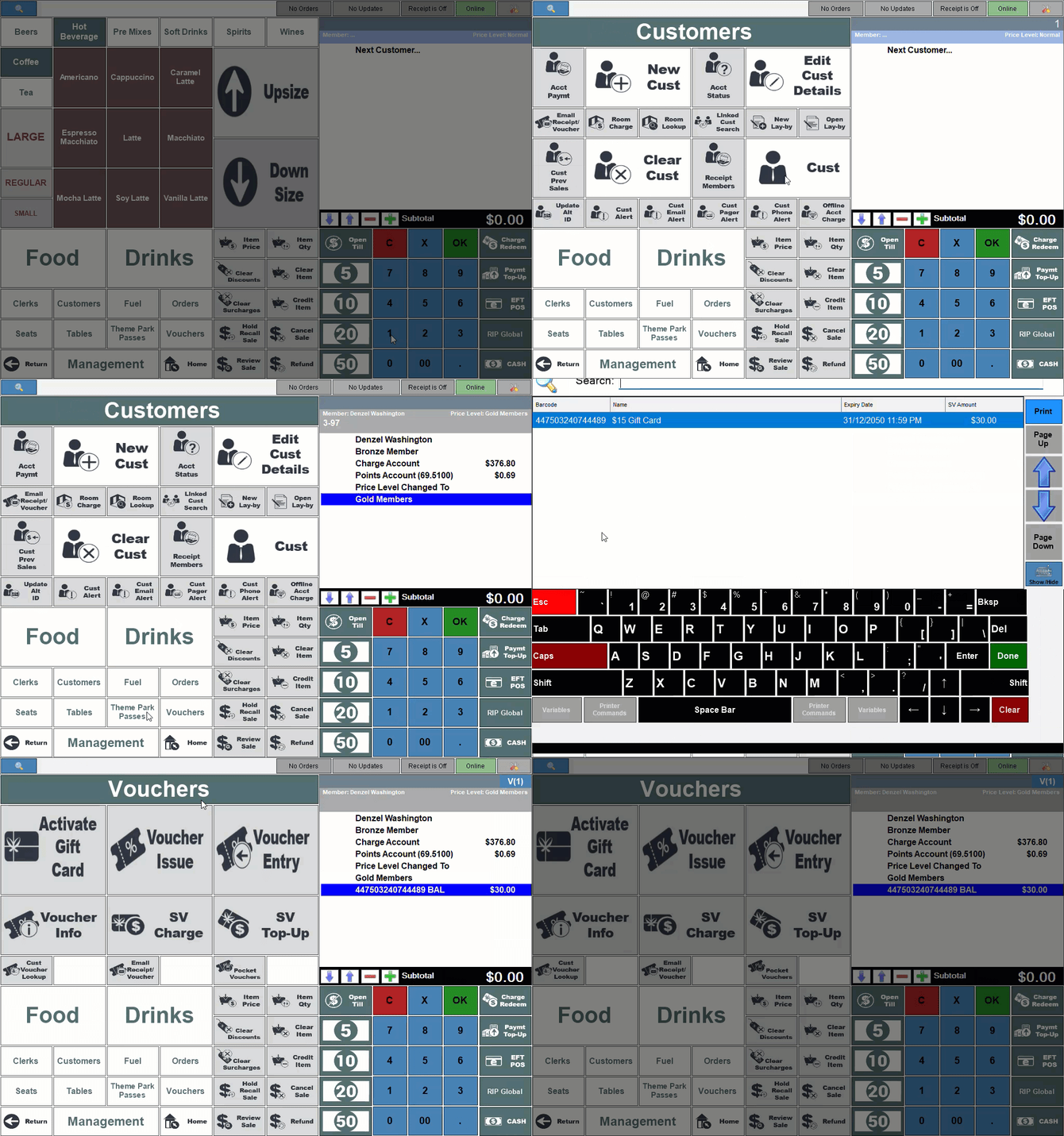
- Add items/products to the sales grid.
- Complete the order/sale.
End of article ▲