
This outlines How To Cancel An Order/Sale With An Available Servings Item/Product using the Cancel Sale (#5) POS Key in Touch.
How To? ▲ ▼
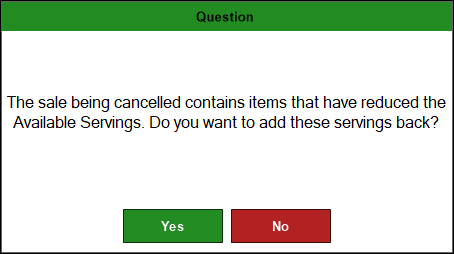
When an order/sale is cancelled, that contains an item/product that has available servings configured, a confirmation prompt will be displayed, confirming whether the available servings counter needs to be increased. For example:
End of article ▲