
Swagger is a testing and diagnostic tool that comes with the Swiftpos Admin API.
How To? ▲ ▼
How To Access Swagger? ▲ ▼
To access Swagger for testing/diagnosing, refer HERE.
How To Use It? ▲ ▼
Get An API Authorisaction Key ▲ ▼
All Swiftpos Admin API calls require an API authorisation key, ApiKey. To obtain one:
-
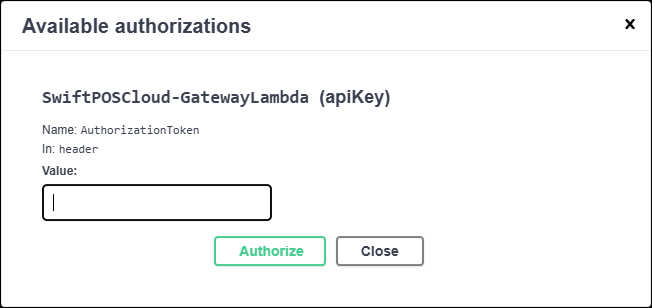
Select Authorise option to open the Available Authorizations prompt.
-
Populate the Value field with the correct data and then select the Authorise option to obtain an API Key.
- Copy the API Key that is generated. This will be required to be pasted into the Value of the ApiKey parameter when testing Swiftpos Admin API calls.
Test API Calls ▲ ▼
- Select the call to be tested and paste the API Key obtained above into the ApiKey parameter and complete the rest of the parameters.
- Select the Try it out option to execute the Get call.
- Scroll up to the top of the section for an explanation of the response code returned.
End of article ▲