
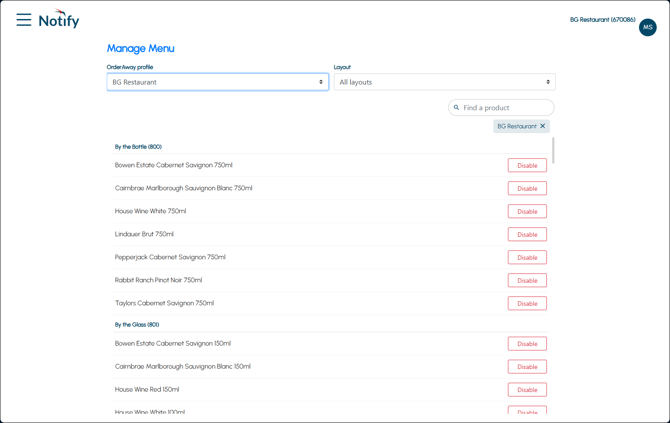
To access, select the Manage Menu option from the Notify menu. Used to enable/disable individual items/products that will immediately take effect in Orderaway.
Sections ▲ ▼
Header Section ▲ ▼
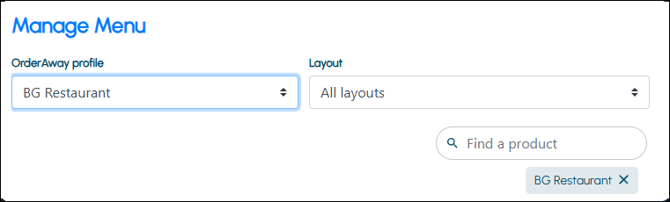
Used to limit the number of rows displayed in the grid section. Once all filters have been selected, select the Apply option to apply them. Otherwise, select the Reset option to clear all filter selections.
Find fields are also provided to facilitate the locating of a specific row in the grid section.
Grid Section ▲ ▼
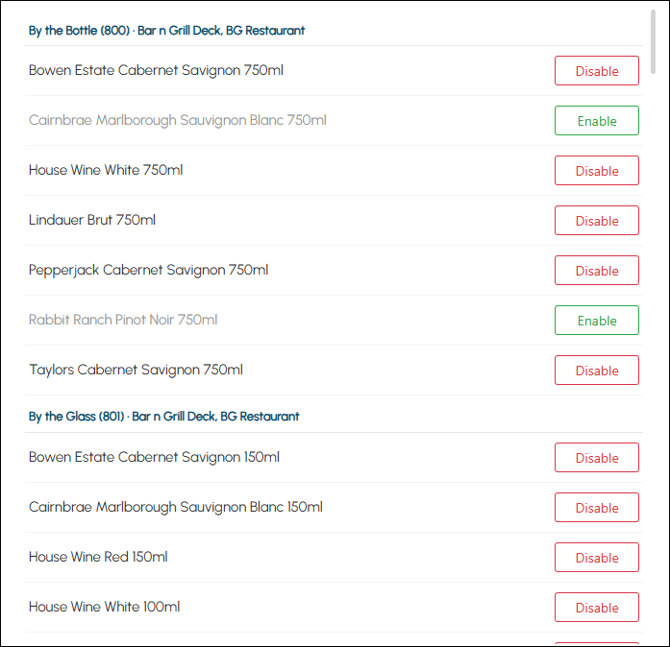
Lists the items/products returned as a result of the filters selected in the header, along with the Layout they are located, their description and the option to Disable/Enable an individual item/product.
Noteworthy
- Disable/Enable - Select to either disable/enable. Refer HERE for more information.
End of article ▲