
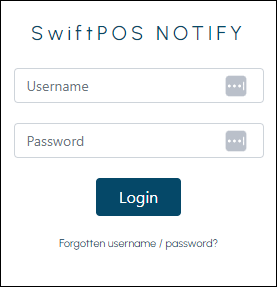
To access, login in via the Notify portal or by selecting the Launch Notify option in the General tab of the Notify Settings screen.
Used to login to Notify. Refer HERE for more information.
- Username - Enter a username to login.
- Password - Enter the password associated with the username entered above.
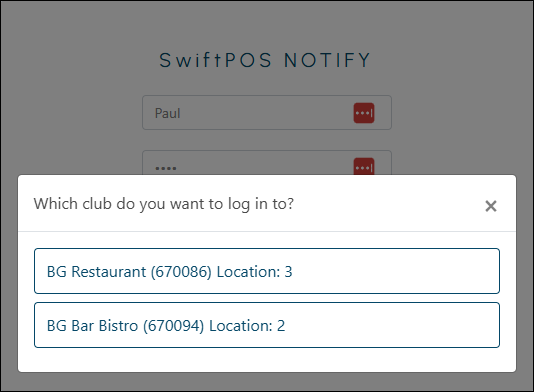
- Login - Select to validate the username and password entered and login to Notify if authorised. If the user has access to more than one Venue (refer HERE for more information), then a prompt will be displayed requiring the user to choose which of those Venues they want to access. For example:
- Forgotten username / password? - Select to reset.
Notes ...
Users can be added/managed via the Users tab after selecting the Settings option in the Notify menu in Venue Manager.
End of article ▲