
This outlines How To Access Cloud Back Office.
How To? ▲ ▼
How To Access Cloud Back Office? ▲ ▼
- Cloud Back Office can be accessed via a Web Browser using one of the following links depending on the Venue's location:
- Open one of the links above to display the Cloud Back Office Sign In screen.
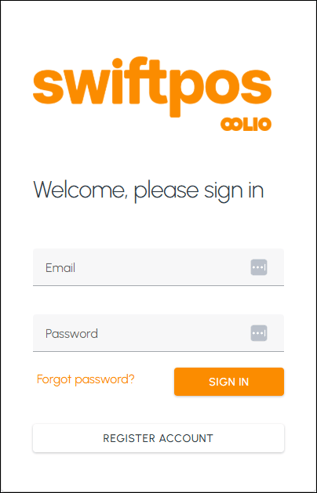
- If you are a registered user and CAN RECALL your current password, then select the SIGN IN option to sign in. Refer HERE for more information.
- If you are a registered user and CANNOT RECALL your current password, then select the Forgot password? option to reset your password. Refer HERE for more information.
- If you are a NOT registered user, then select the Register Account option to register as a new user. Refer HERE for more information.
End of article ▲