
This outlines How To Add All Services to Windows Firewall Exception List in Back Office.
How To? ▲ ▼
- In Back Office, select the Service option from the Administration menu.
- Select the Add All Service Firewall Exceptions option from the Settings drop-down list in the footer section.
- This will display the following screen:
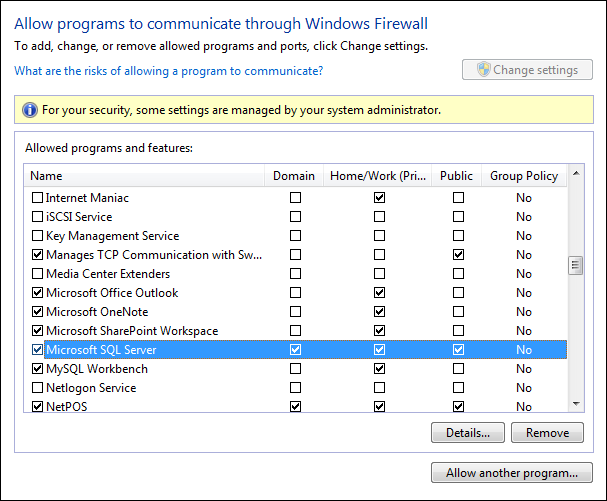
- Use to add all the Swiftpos services to the Windows firewall exceptions list. This ensures access to the Swiftpos database from other computers on the network. If a 3rd party firewall product is being used, then this will need to be manually configured. Also ensure that the firewall settings have been set correctly for the type of network set up in use.
End of article ▲