
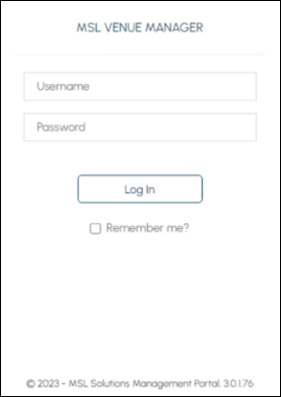
Occurs
When the Cloud Client ID option against one of the Locations listed in the Cloud Connectivity screen is selected, and NOT all the Locations have been activated.
Action To Be Taken
- Ensure that ALL of the Locations listed in the grid of the Cloud Connectivity screen are activated, before attempting to access the Configuration Menus. All Locations listed are required to be activated before access is granted to the Venue Manager Portal without having to login.
End of article ▲