
This outlines the information and the steps that are needed to familiarise oneself with the United Petroleum interface in Service Monitor.
Subjects ▼
Screens ▲ ▼
United Petroleum Screen ▲ ▼
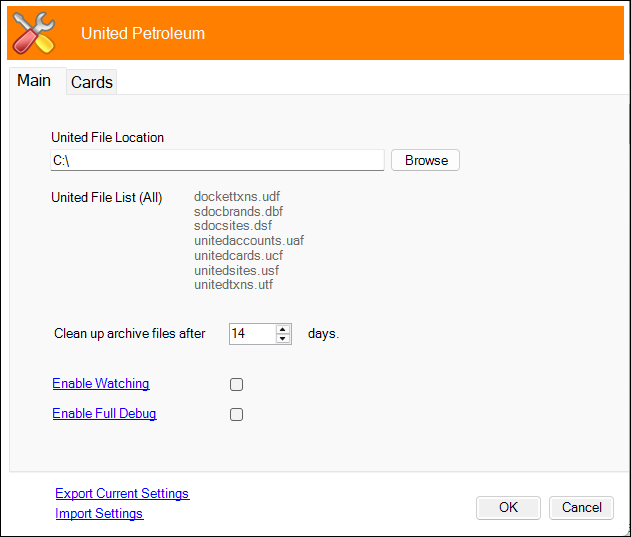
To access refer to How To Access The Service Monitor for more information. Used to configure the settings required for the United Petroleum interface.
- Export Current Settings - Select to export.
- Import Settings - Select to import.
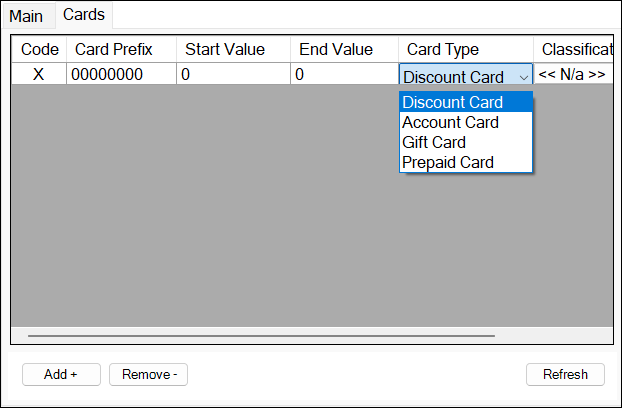
Used to configure and manage Discount, Account, Gift and/or Prepaid cards.
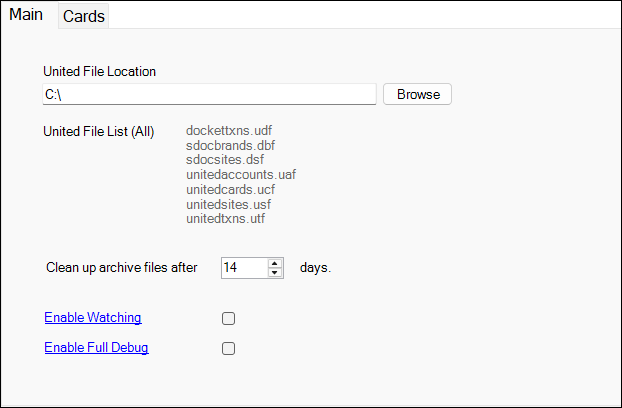
- United File Location - Displays/Select the folder in which the United Files are located.
- Clean up archive files after xx days - Displays/Set the number of days that have to pass before files are removed.
- Enable Watching - Select to enable the Service Monitor to watch for activity.
- Enable Full Debug - Select to enable. This should only be enabled when recommended.
End of article ▲