
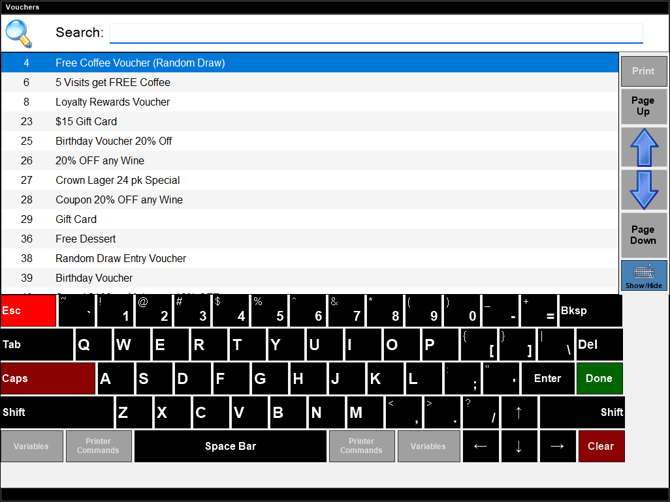
Accessed from various screens in Touch and is used locate and select a voucher.
Notes ...
The number of vouchers returned is by default set to 50. However, this can be changed by adjusting the Max number of results returned in a search setting in the Miscellaneous tab of the Terminal Settings screen.
- Search - Enter a full or partial description of the voucher and select the Done option to filter the vouchers listed in the grid with only those have the text entered in their name.
Lists the vouchers that are currently available and that match, if any, the value entered in the Search field above. Lists their ID, and Description.
End of article ▲