
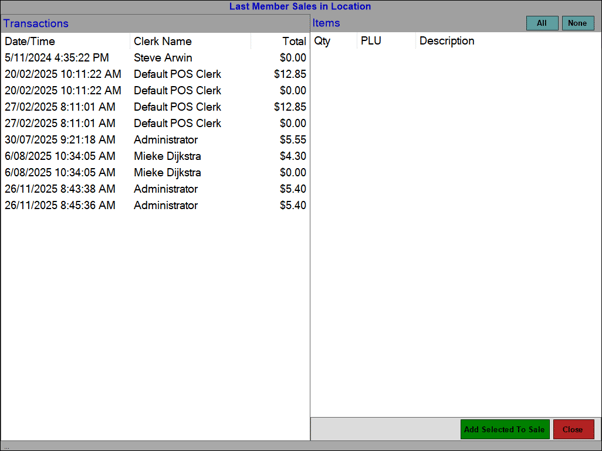
To access, select the Customer Sales By Location (#105) POS Key in Touch. Used to display the current Customer's/Member's previous sales in Touch and also be able to select items/products to add to an order/sale.
-
Add Selected To Sale - Select to add the items/products selected in the Transactions section of the grid to the current sale.
Notes ...
It is possible to limit the items/products displayed in the Items section to specific Product Categories. This can be done HERE.
End of article ▲