
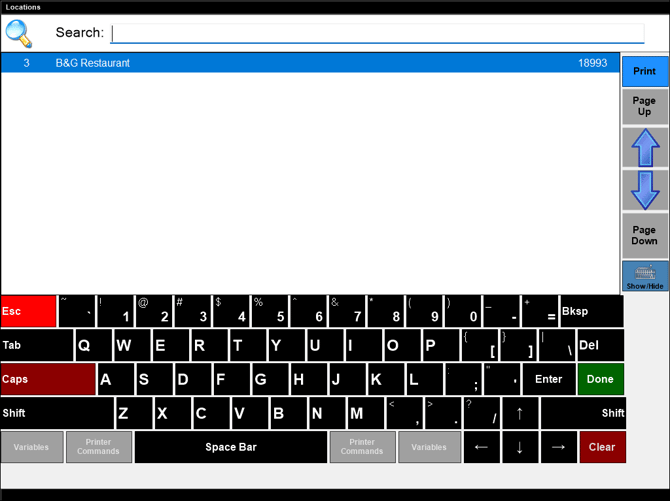
Used throughout Touch to search for and select a Location.
Sections ▲ ▼

Enter the full/partial name of an existing Location to search for and locate.
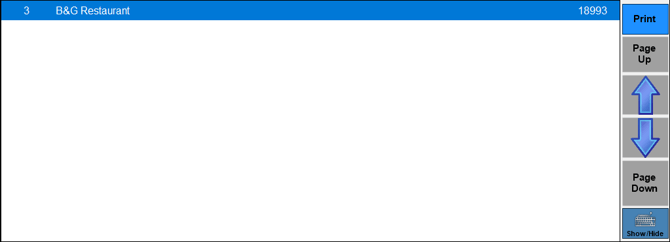
Lists the Locations.
- Page Up/Up/Down/Page Down - Select to navigate up and down through the list to locate the Location required.
- Keyboard Show/Hide - Toggle select to show/hide the Keyboard section.
End of article ▲