
This outlines the How To Finalise To A TAB using the Finalise To TAB (#45) POS Key in Touch.
How To? ▲ ▼
How To Finalise An Order/Sale/Table To A TAB? ▲ ▼
- In Touch, add items/products to an order/sale, or open an existing Table.
- Select the Finalise To TAB (#45) POS Key to open the Open TABs for All Clerks screen.
- Select a TAB listed to add the items/products in the sales grid to that TAB.
OR
- Select the Add New TAB option to add the order/sale/Table to a new TAB.
- At the following prompt, enter the number for the new TAB.
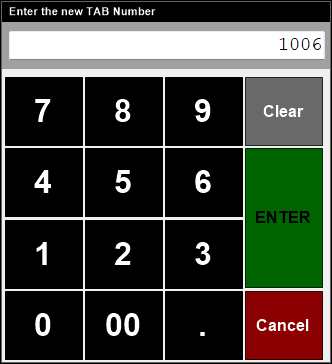
- Select Enter to continue.
- The TAB Information screen will be displayed to allow the Clerk/Staff Member to enter TAB related details.
- Select SAVE to save the entered details.
- The new TAB will be created with the order/sale/Table items.
- At the following prompt, enter the number for the new TAB.
End of article ▲