
This outlines How To Change A Member's Alternate ID using the Update Alternate ID (#825) POS Key in Touch.
How To? ▲ ▼
In Touch, do as follows:
- Add a Member to the sales grid.
- Select the Update Alternate ID (#825) POS Key to display the following keyboard prompt.
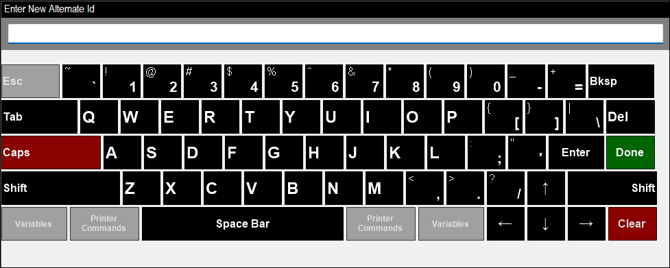
- Enter the Member's new Alternate ID.
- Select Done to save and exit.
- The Member's details in Back Office will be updated with the new Alternate ID.
End of article ▲