
This outlines the How To Alter The Print Group Of An Item using the Alter Print Group (#58) POS Key. Refer HERE for more information.
How To? ▲ ▼
How To Alter The Print Group Of An Item? ▲ ▼
- In Touch, add items to the sales grid.
- Select one of the items in the sales grid.
- Select the Alter Print Group (#58) POS Key:
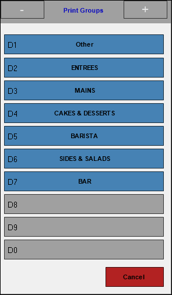
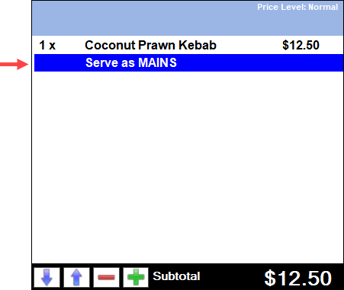
- The text Serve as Print Group name will be added to the selected item in the sales grid as an instruction. For example:
End of article ▲