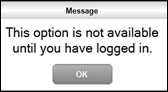
This option is not available until you have logged in Touch POS - Troubleshooting Occurs When a Clerk/Staff Member is NOT logged into Touch and attempt was made to place an order/sale in Touch. Action To Be Taken Select OK and then select the Clerk option in the Toolbar to log in. End of article ▲