
This outlines how to use Events Portal for the first time.
Subjects ▼
How Is It Done? ▲ ▼
- To access a Venue's Events Portal, scan the Venue provided QR Code or enter the Venue provided URL in a browser. A typical URL may look something like this : https://events.swiftpos.com.au/{tenantId}, where the tenantID is sourced from HERE.
- This will display the Events Portal Login screen.
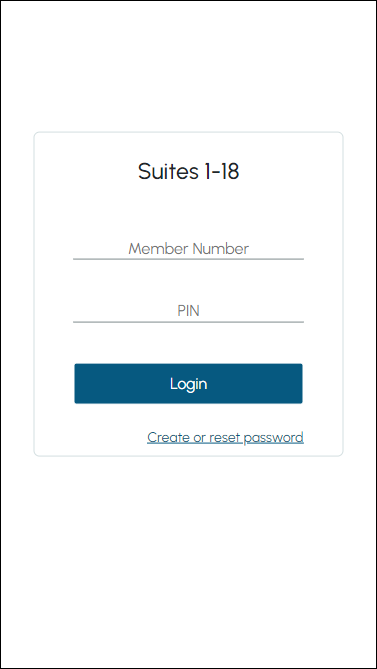
- Here, a patron can login using their existing login credentials. That is, their Member Number and PIN as recorded in Back Office.
- To be continued ...
What Is Required? ▲ ▼
- Ensure all steps outlined in GET STARTED have been followed.
- Ensure that the SwiftPOS Services are installed and running.

End of article ▲