
This outlines How To View Allergens in Orderaway.
How To? ▲ ▼
How To View Allergens? ▲ ▼
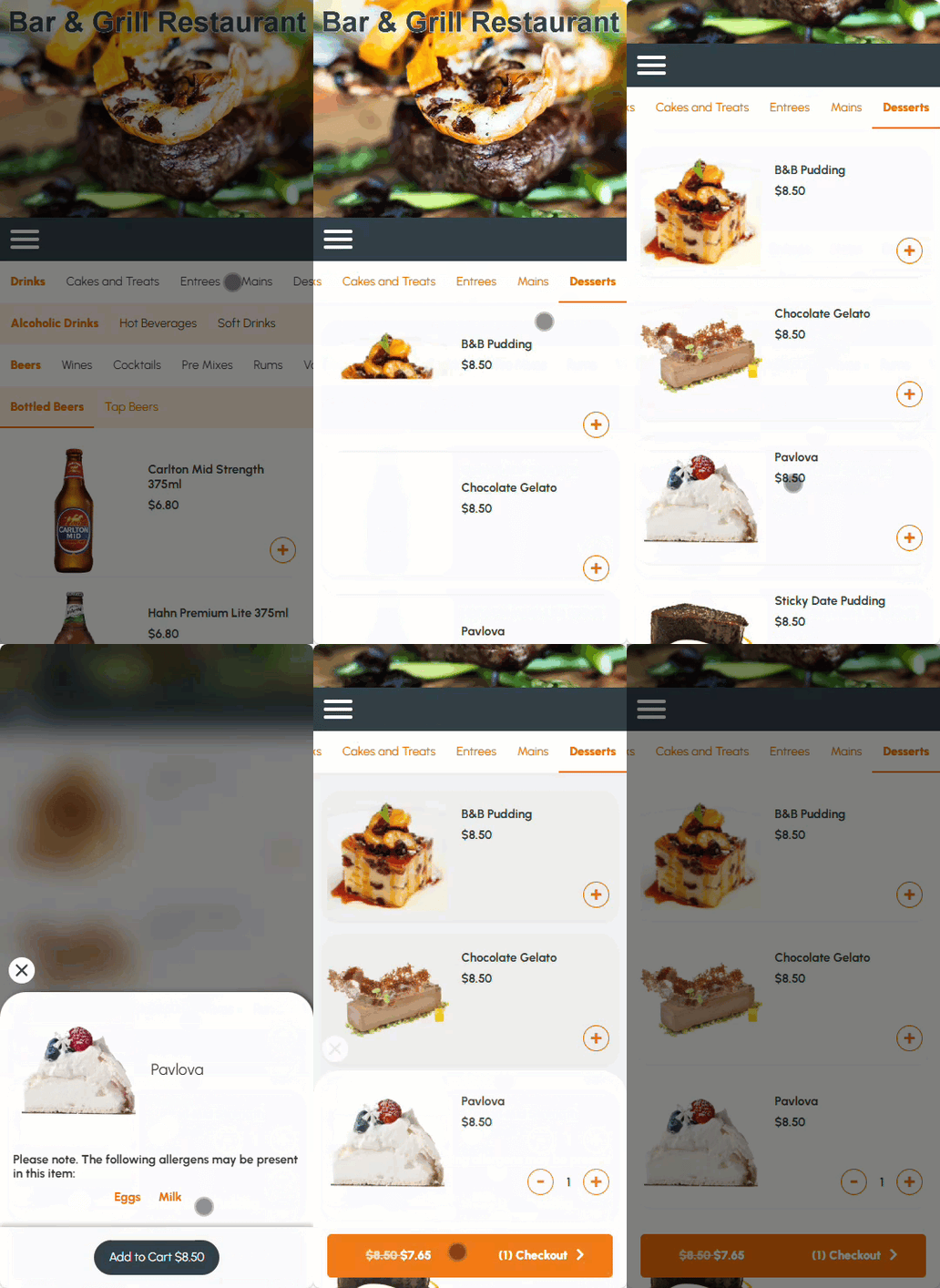
The allergens associated with an Item/Product can be viewed in Orderaway. To do this, do as follows:
- Add an Item/Product to an Order.
- If the Item/Product selected has allergens associated with it, then the allergens will be displayed along with the Item/Product. For example, Pavlova.
- Select the Add to Cart option to add the selected Item/Product to the Order.
End of article ▲