
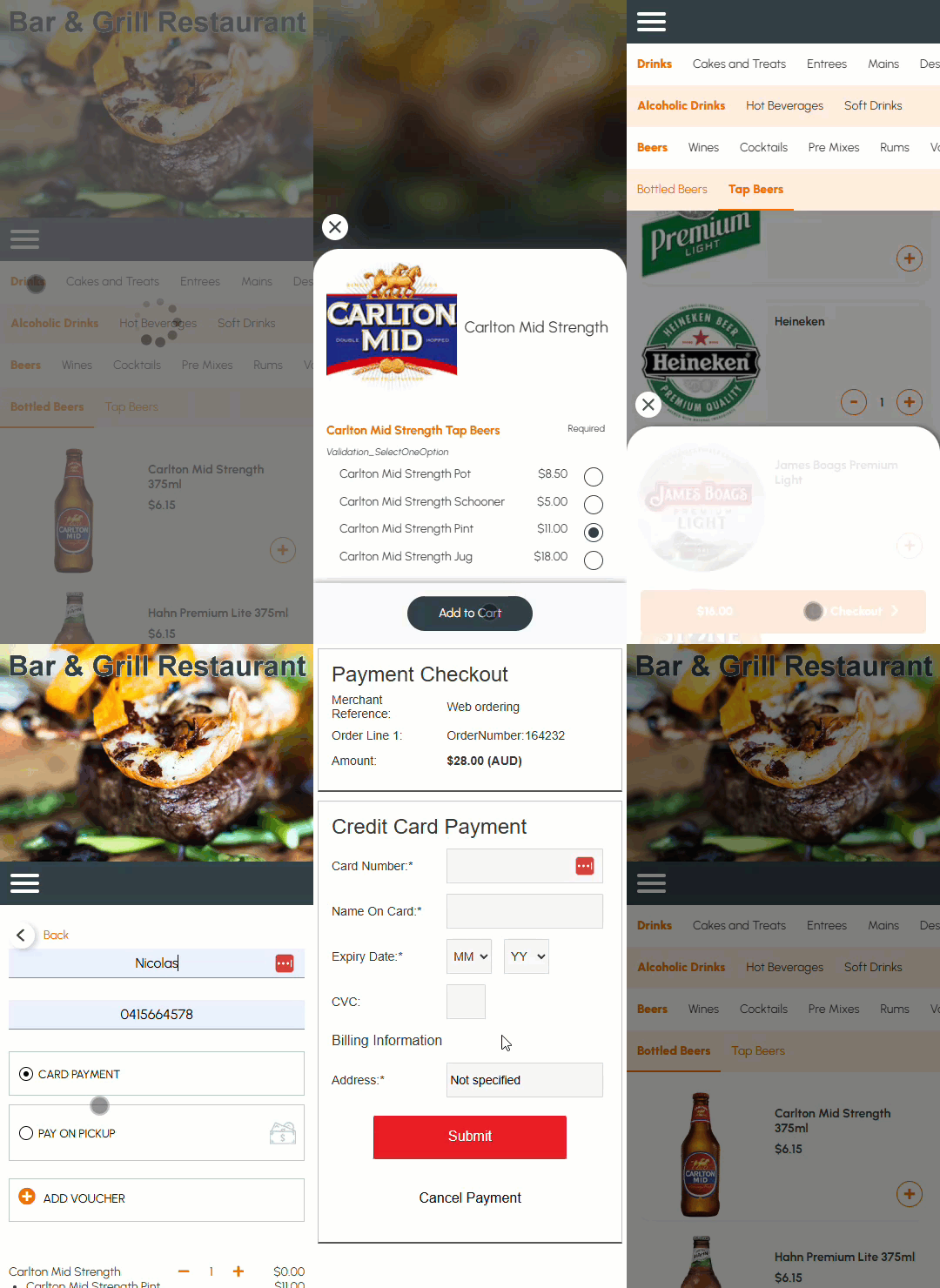
This outlines How To Use Orderaway For The First Time.
Subjects ▲ ▼
About ▲ ▼
What Is Required? ▲ ▼
- First ensure that the SwiftPOS Services indicated below, are installed and running.

- Confirm a Touch terminal has been assigned as the Orders Master terminal and is up and running. It must also be connected to the Back Office.
How To? ▲ ▼
How To Use Orderaway For The First Time? ▲ ▼
Once the patron has scanned the Venue’s QR Code or they have entered the Venue provided URL in a browser on their mobile phone, they can commence using the Venue's Orderaway Menu.
End of article ▲