
Subjects ▲ ▼
About ▲ ▼
What Is Required? ▲ ▼
- Swiftpos v10+
- A Swiftpos registration for the Swiftpos General Ledger > NetSuite (Legacy) interface. Email registrations@swiftpos.com.au to obtain the appropriate registration.
- The Post Financial Data option will need to be selected for those Locations in Swiftpos that will be exporting data to NetSuite.
What To Consider? ▲ ▼
- Contact support@swiftpos.com.au for more information.
When Is It Used? ▲ ▼
Used to export Swiftpos sales data to NetSuite GL.
Screens ▲ ▼
Export ▲ ▼
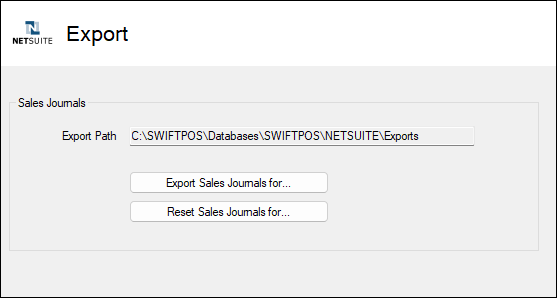
Used to manually export Swiftpos sales data to Netsuite.
- Export Path - Displays the Export Path selected on the Settings screen.
- Export Sales Journals for... - Select to open the Export Journal Data screen and select a Trading Date and Venue for which sales data will be exported.
- Reset Sales Journals for... - Select to open the Reset Journal Data screen and select a Trading Date and Venue to reset sales export data. Use reset to re-export already exported data.
Settings ▲ ▼
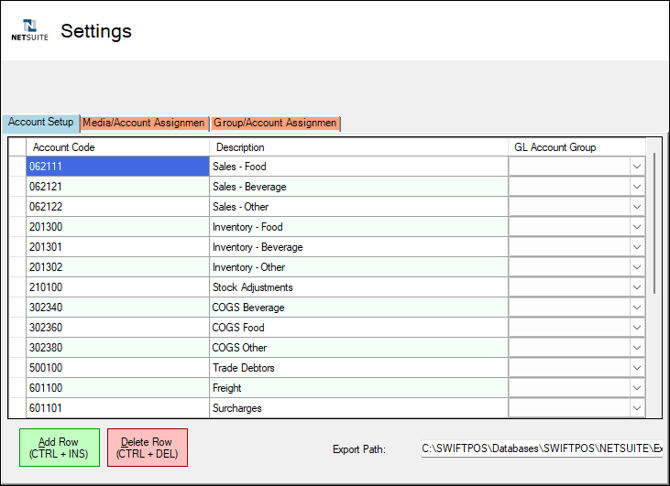
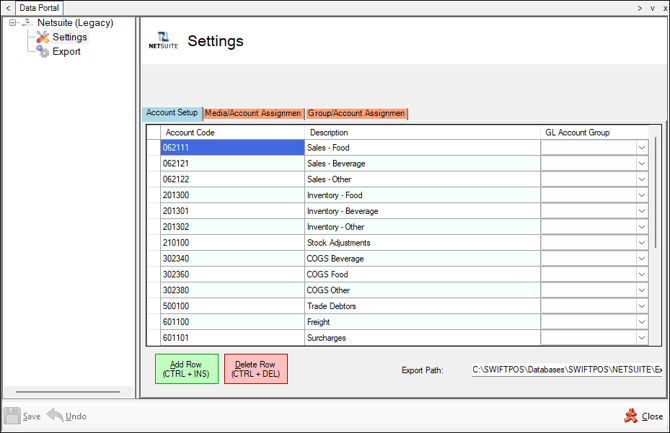
To access, select the Netsuite option in the Data Portal menu in Back Office.
Tabs ▲ ▼
Account Setup Tab ▲ ▼
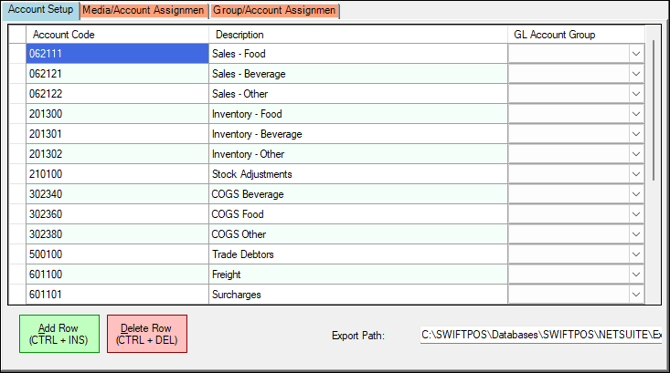
Used to create the Netsuite GL Accounts that will be used to map Swiftpos Location/Media combinations and Master Groups in the Media/Account Assignment and Group/Account Assignment tabs.
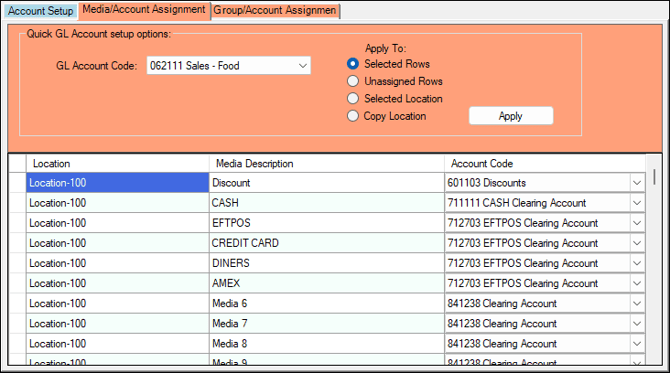
Media/Account Assignment Tab ▲ ▼
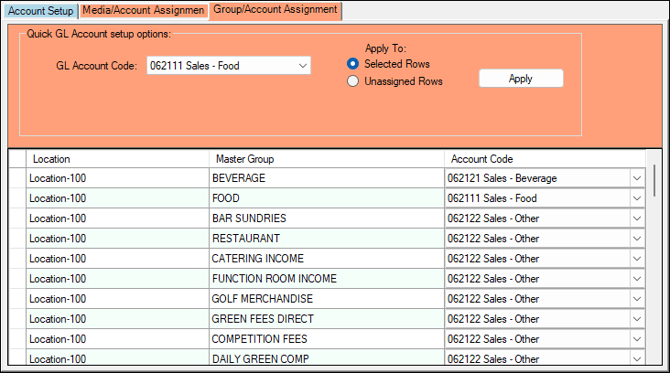
Group/Account Assignment Tab ▲ ▼
End of article ▲