
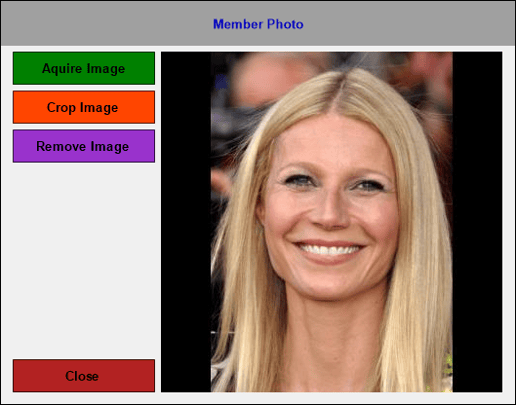
Accessed in Touch from various screens. Used to acquire/crop/remove an image of a Customer/Member.
Sections ▲ ▼
Left-Hand Side Section ▲ ▼
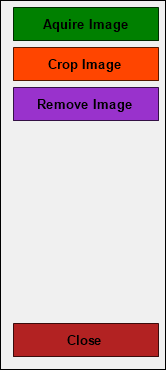
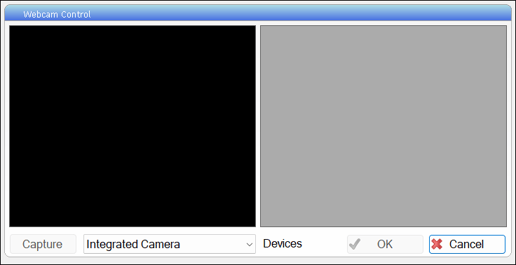
- Acquire Image - Select to open the Webcam Control screen and capture an image of a Customer/Member using a Webcam or equivalent device.
- Crop Image - Select to crop the captured image.
- Remove Image - Select to remove image.
- Close - Select to exit.
Image Section ▲ ▼
Displays the current image for a Customer/Member.
End of article ▲