![Swiftpos_White.png]](https://help.swiftpos.com.au/hs-fs/hubfs/Swiftpos_White.png?height=40&name=Swiftpos_White.png)
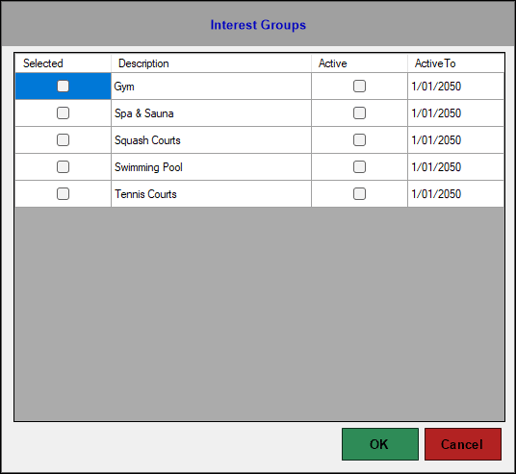
Accessed in Touch from various screens. Used to manage the association of Interest Groups to a Customer/Member.
Sections ▲ ▼
Grid Section ▲ ▼
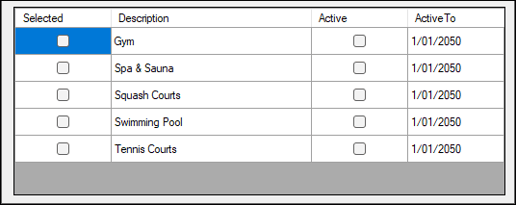
Lists the Member Interest Groups that are currently available along with their Description, Active status and Active To date. Used to manage the association of Interest Groups to a Customer/Member.
- Selected - Select to ensure the Interest Group selected is assigned to the current Customer/Member.
- Description - Displays the description of the Interest Group.
- Active - Select to ensure the Customer/Member is an active member of the Interest Group.
- Active Date - Displays the date the Customer/Member will not be considered active in the selected Interest Group. Select from the drop-down calendar to change.
Footer Section ▲ ▼

- OK - Select to save the changes and exit.
- Cancel - Select to exit without saving changes.
End of article ▲