![Swiftpos_White.png]](https://help.swiftpos.com.au/hs-fs/hubfs/Swiftpos_White.png?height=40&name=Swiftpos_White.png)
This outlines How To Change A Keyboard in Touch.
Subjects? ▲ ▼
About ▲ ▼
What Is Required? ▲ ▼
- The appropriate Clerk Security Group permissions required to access Keyboard Designer in Back Office.
- Ensure a Keyboard has been created. Refer HERE for more information.
How To? ▲ ▼
How To Change A Keyboard? ▲ ▼
In Touch:
- Select Tools option in the toolbar to display the Basic Tools menu.
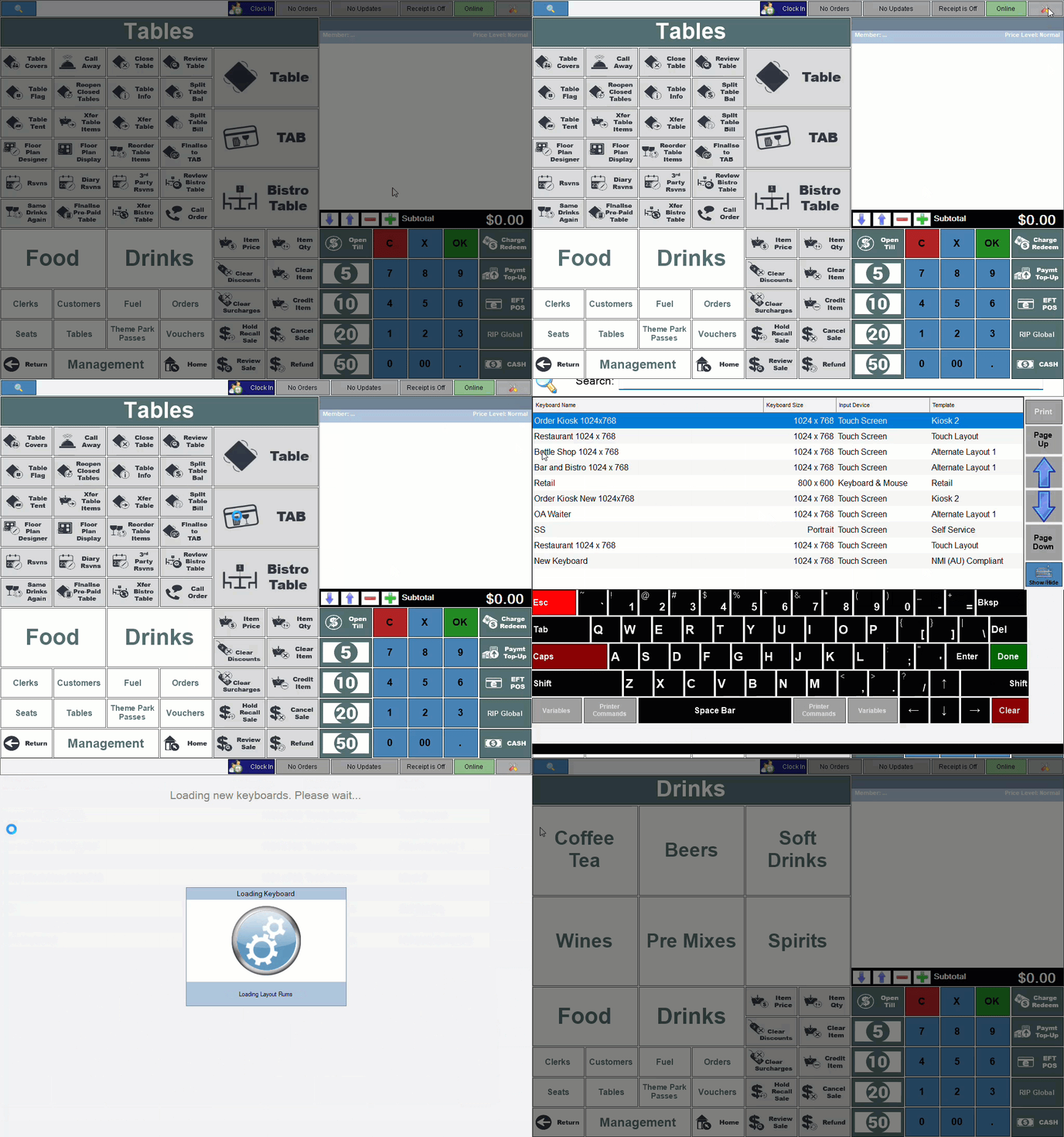
- Select the Change Keyboard option to display the Touch Keyboards screen.
- Select the Keyboard to be used by the Touch terminal from the list of available Keyboards listed in the grid.
- The selected Keyboard should now load and be displayed.
End of article ▲