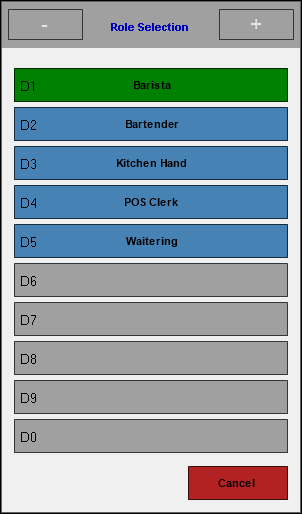
Role Selection Touch - Screens To access, select the Clocks In option in Touch. Used to select what role a Clerk/Staff Member will be undertaking for the shift they are starting. The Roles listed are managed in Back Office HERE. Once a role is selected, this screen will be closed. End of article ▲
![Swiftpos_White.png]](https://help.swiftpos.com.au/hs-fs/hubfs/Swiftpos_White.png?height=40&name=Swiftpos_White.png)