
The Nutrients menu option is used to configure and manage Nutrients in Back Office. It is used to provide additional Product information relating to food items available for Order/Sale.
Subjects ▼
- Available In?
- Nutrients Screen
- How To Manage Nutrients?
- How To Configure Ingredients/Nutrients On Product Labels
Available In? ▲ ▼
- SwiftPOS V10.67+
Nutrients Screen ▲ ▼
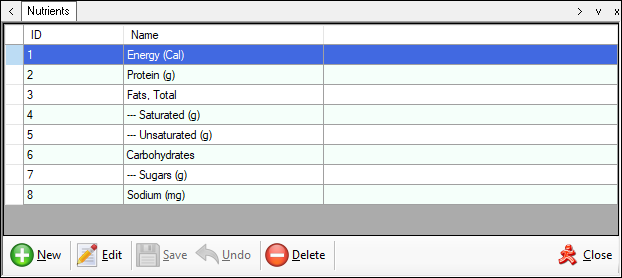
Accessed from here and is used to manage and configure Nutrients.
Grid ▲ ▼- ID - Displays the ID of the listed Nutrient.
- Name - Displays the name of the listed Nutrient.
Footer ▲ ▼
- New - Select to open the Add Nutrient screen to add a new Nutrient.
- Edit - Select to open the Edit Nutrient screen to edit the selected Nutrient .
- Save/Undo - Select to save/undo changes.
- Delete - Select to remove the selected Nutrient.
Add Nutrient Screen ▲ ▼
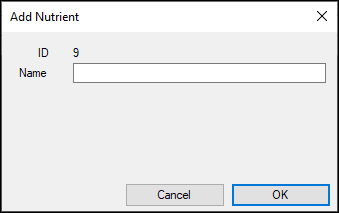
This screen is accessed from here and is used to add a Nutrient.
- ID - Displays the ID of the Nutrient being added.
- Name - Displays/Enter the name of the Nutrient being added.
Edit Nutrient Screen ▲ ▼
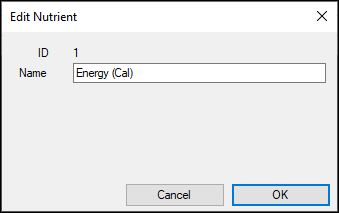
This screen is accessed from here and is used to edit a Nutrient.
- ID - Displays the ID of the Nutrient being edited.
- Name - Displays/Enter the name of the Nutrient being edited.
End of article. ▲