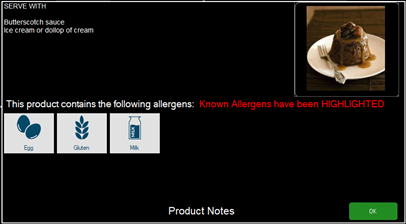
November 26, 2026 View Item / Product Notes KVS - How To This outlines the How To View Item/Product Notes in KVS. How To? ▲ ▼ In KVS Select an item/product in one of the orders displayed. Select the Notes option in the footer section of the KVS screen. This will display the information relating to the item/product selected. End of article ▲