
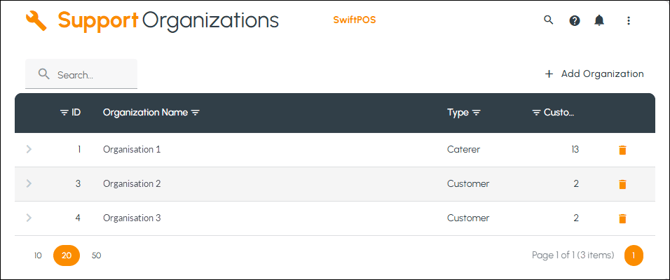
To access, select the organisations option from the Support menu.
Subjects ▲ ▼
About ▲ ▼
When Is It Used? ▲ ▼
Used to manage Swiftpos HQ organisations. Swiftpos HQ users are associated with an organisation.
Screens ▲ ▼
Add Organisation Prompt Screen ▲ ▼
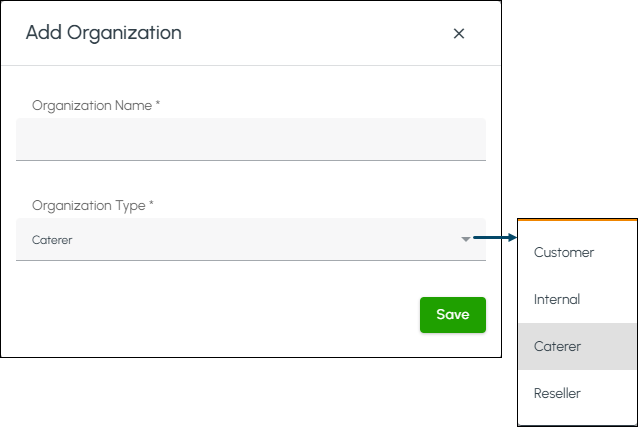
- Name - Enter the name of the organisation to be added.
- Type - Select from the drop-down list the appropriate type.
Organisations Screen ▲ ▼

- Search - Enter the name of an organisation.
- Add - Select to open the Add organisation prompt to add an organisation.
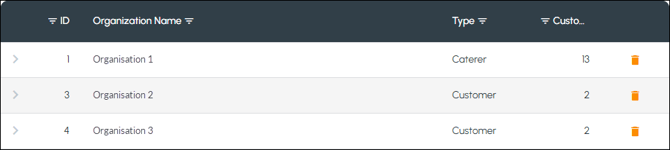
Lists the organisations along with their Type, Customer count and a delete icon.
End of article ▲