
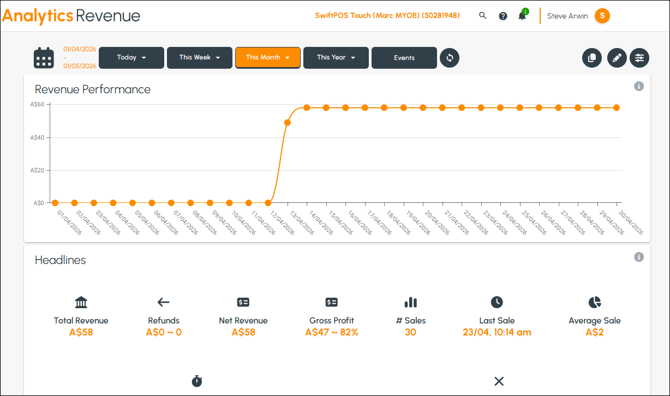
To access, select the Revenue option from the Dashboard menu. Used to view revenue statistics in the form of multiple dashboards.
Screens ▲ ▼
Advanced Filters Screen ▲ ▼
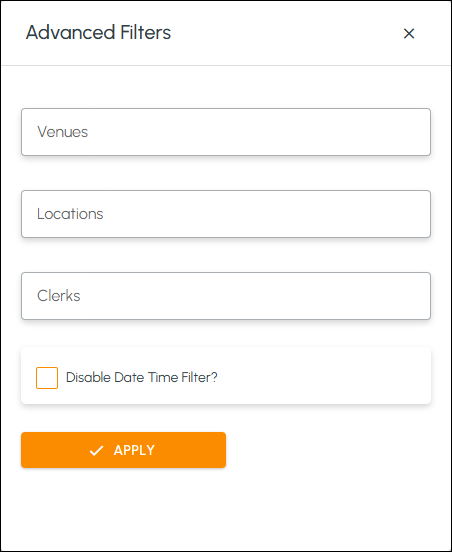
To access, select the Advanced Filters icon in the header section. Used to further filter the data retrieved, that forms the basis of the revenue reporting, by selecting one or more of the filter options listed. Select the Apply option to apply the filters.
Revenue Screen ▲ ▼
Sections ▲ ▼
Header Section ▲ ▼

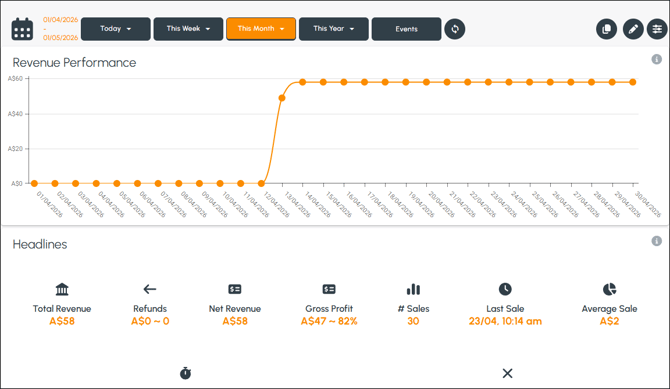
Used to filter the data displayed. Refer HERE for more information.
- Advanced filters - Select the icon to open the Advanced Filters screen to further filter the data.
Dashboards Section ▲ ▼
Dashboards
The following displays revenue related data based on the filters selected.
Revenue Performance Dashboard ▲ ▼
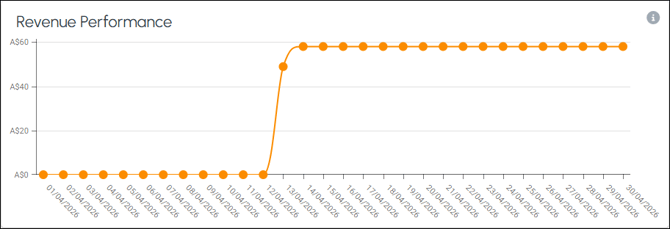
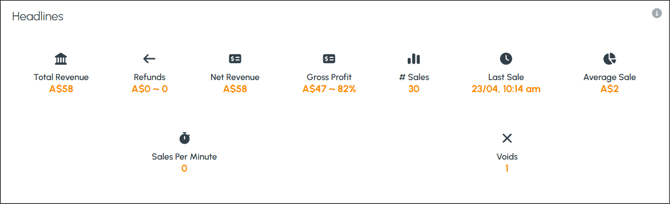
Headlines Dashboard ▲ ▼
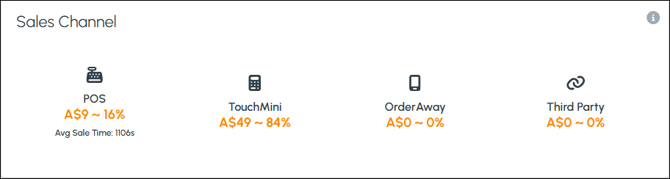
Sales Channel Dashboard ▲ ▼
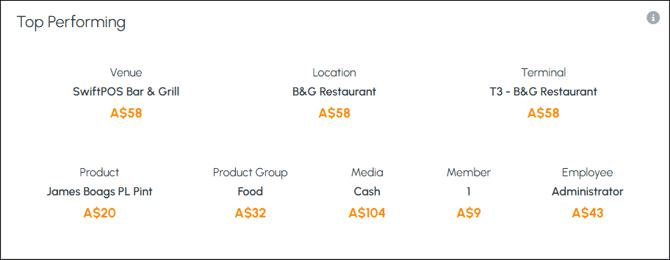
Top Performing Dashboard ▲ ▼
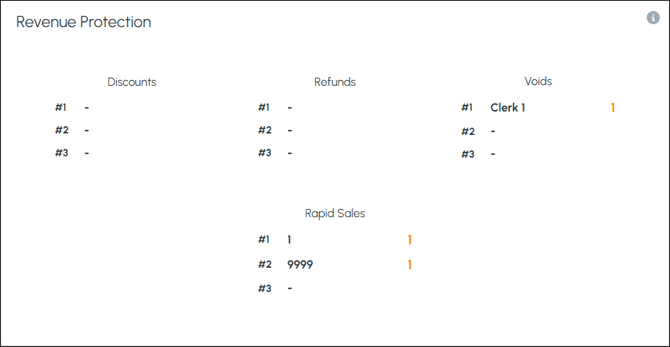
Revenue Protection Dashboard ▲ ▼
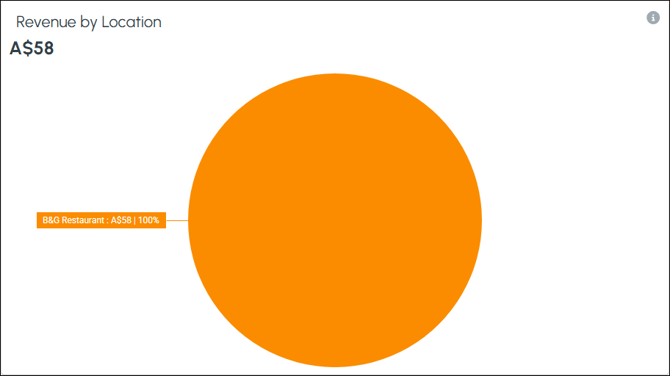
Revenue by Location Dashboard ▲ ▼
End of article ▲