
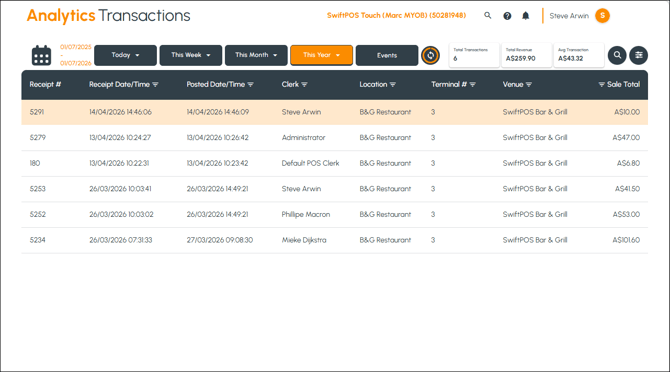
To access, select the Transactions option from the Analytics menu.
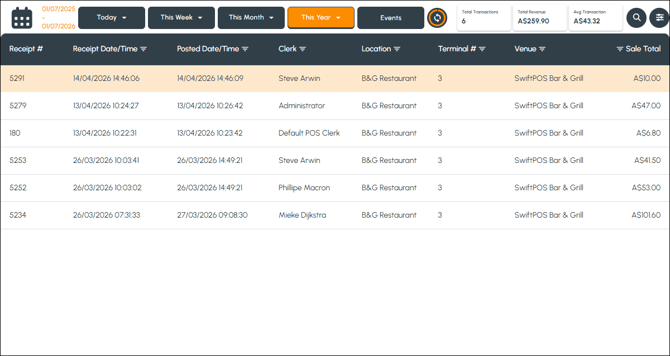
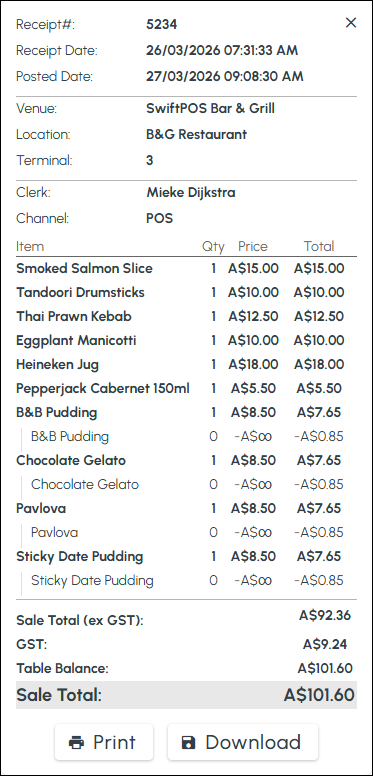
Used to search and view transactions as well as view the details of individual Transactions (receipts) can also be downloaded and/or printed. Only transaction that have been processed and sent to Back Office can be viewed.
Screens ▲ ▼
Transactions Screen ▲ ▼
Sections ▲ ▼
Grid Section ▲ ▼
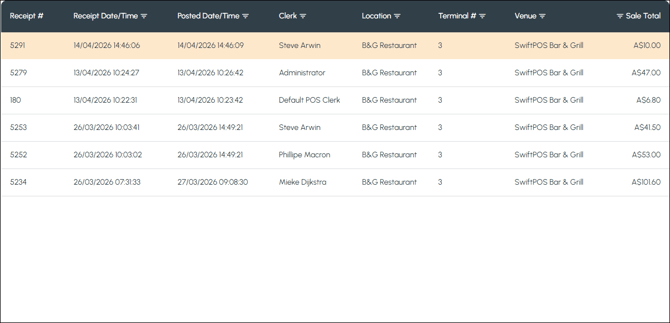
Lists the transactions based on the filters selected along with their Receipt number, Receipted date/time, Posted date/time, Clerk, Location, Terminal, Venue and Sale Total. Select a transaction to display it's details.
Transaction Detail Section ▲ ▼
End of article ▲