
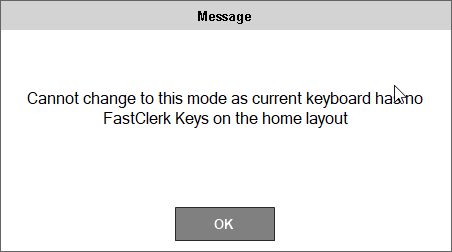
Cause
This issue may arise as a result of one of the following:
- When attempting to change the Entry Type setting in Fast Clerks to the Fast Clerk Keyboard option and NO Fast Clerk (#111) POS Keys exists in Layout designated as the HOME Layout in Touch.
Action To Be Taken
- Ensure at least one Fast Clerk (#111) POS Key is added to the appropriate HOME Layout using in Keyboard Designer. Refer HERE for more information.
End of article ▲