
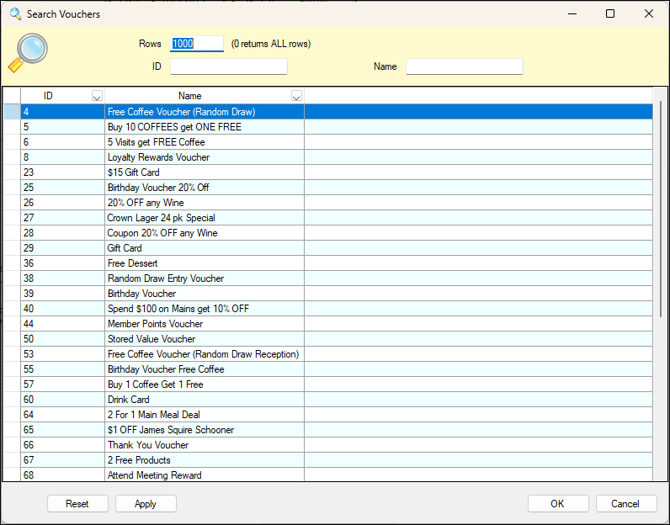
Used throughout Back Office to search for and select a Voucher.
Sections ▲ ▼
Used to limit the number of rows displayed in the grid section. Once all filters have been selected, select the Apply option to apply them. Otherwise, select the Reset option to clear all filters.
Displays a list of Vouchers along with their ID and Name.
- Reset - Select to reset the filters entered to the default setting.
- Apply - Select to apply the selected filters and return the filtered Vouchers.
End of article ▲