
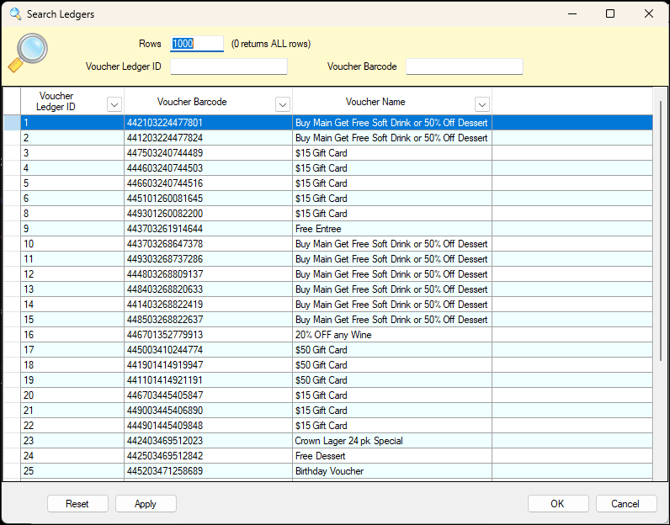
Used throughout Back Office to search for and select a Vouchers.
Sections ▲ ▼
Header Section ▲ ▼
Use the available filters to limit the number of rows displayed in the grid.
Grid Section ▲ ▼
Displays a list of Vouchers along with their Ledger ID, Barcode and Name.
Footer Section ▲ ▼
- Reset - Select to reset the filters entered to the default setting.
- Apply - Select to apply the selected filters and return the filtered rows.
- OK - Select to save the selection and exit.
- Cancel - Select to exit without saving the selection.
End of article ▲