
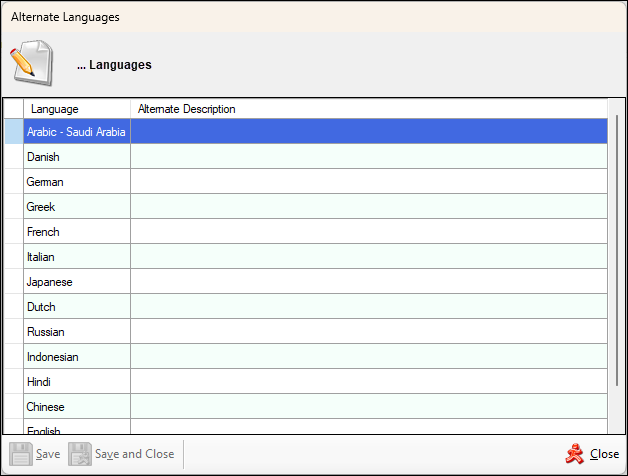
Used throughout Back Office to manage and view translations in multiple languages. Translations can be for:
- Categories
- Families
- Keyboards
- Master Groups
- Price Levels
- Print Groups
- Products
- Product Groups
- etc
Header Section
The title (... Languages) as displayed in the screenshot above will change depending on what is being translated. For example, the title will display the text Category Languages when the Multi Language option is selected in the Category Print tab of the Category/Groups Setup screen.
Grid Section
Lists the languages that are currently supported along with their Language and Alternate Description. The Alternate Description is the translation of the relevant description in the alternate Language. For example, Category translated into the languages supported would appear as follows:
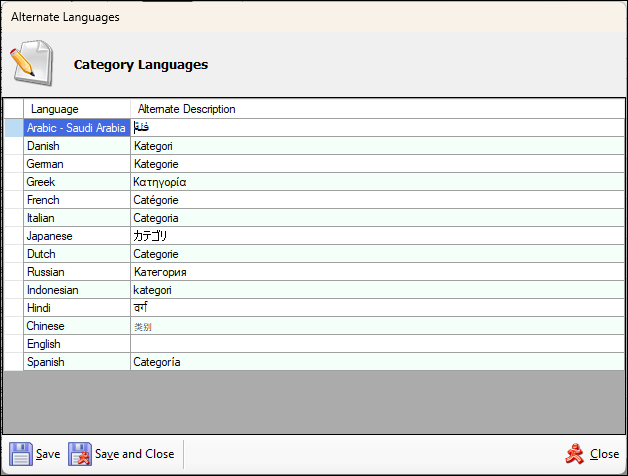
Obviously a Venue would only need to translate to only those languages it would need to support.
End of article ▲