
This outlines How To Backup A Database.
How To? ▲ ▼
To Backup A Database, do aa follows:
- Review About.
- Navigate to the SQL Tools menu by expanding the Administration option in the Back Office's main menu screen.
- Expand the Database Maintenance option and select the Backup Database option to open the Backup Database screen.
- Select the database from the Database drop-down list. This is generally either the SWIFTPOS or TABLETRACKING options in the list, unless the databases have been given a different name.
- Select the destination folder to which the backup will be written.
- Give the backup file a name if the default name is not appropriate.
- Select the Compress (AIP format) option if required to make a compressed backup.
- Enter, if required, a password and enter it again in the Verify field.
- Select the Backup option to commence the backup.
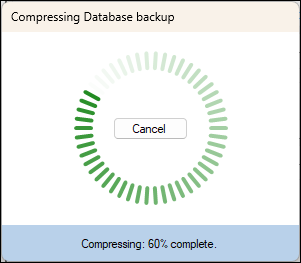
- When complete the following prompt will be displayed:
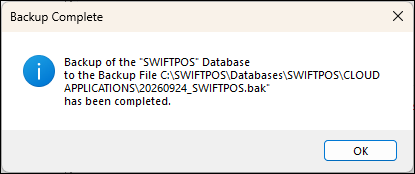
- Select OK.
- Select the Close option to exit the Backup Database screen.
- This completes the backup process.
End of article ▲