
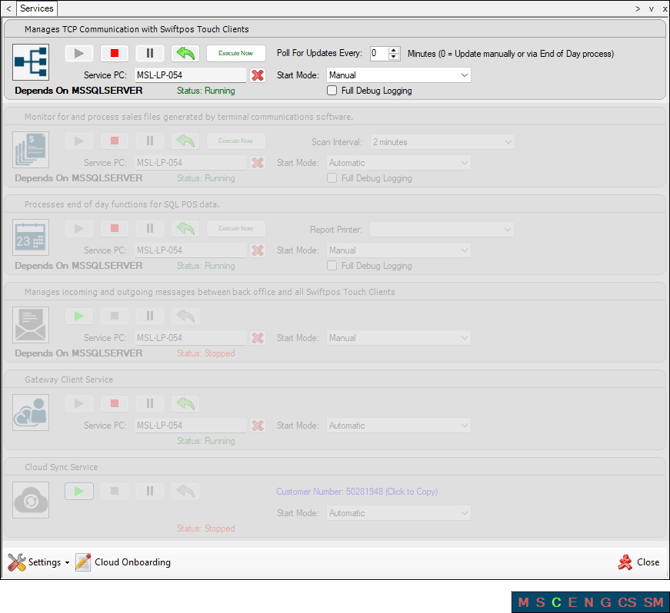
This provides information regarding the Swiftpos Connect service.
Subjects ▲ ▼
About ▲ ▼
What Is It? ▲ ▼
The Connect service manages TCP communication with Touch POS devices.
What To Consider? ▲ ▼
- Sales made at the Touch POS devices are written to sale transaction files located in the path as defined at the Venue level.
When Is It Used? ▲ ▼
It is used for sending database updates (including Specials/Promotions and Happy Hours) to Touch POS devices.
How To? ▲ ▼
End of article ▲