
Accessed:
- When a logged in Clerk/Staff Member does not have authorisation to use the Clock In/Out feature. Refer to Security Considerations for more information.
- While using Fast Clerk Layout and logging off a Clerk/Staff Member.
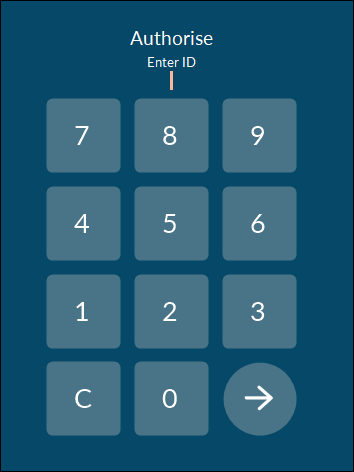
This screen allows authorised Clerks/Staff members to login. An authorised Clerk/Staff Member needs to login with their Clerk ID and PIN.
Sections ▼
Authorise Section ▲ ▼
- Enter ID - Enter the ID of the authorising Clerk/Staff Member.
- Keypad - Use the keypad to Clerk's/Staff Member's ID and PIN

Select to continue.
End of article. ▲