
This outlines How To Access The Tools Menu in Touch.
Subjects ▲ ▼
How To Access The Tools Menu ▲ ▼
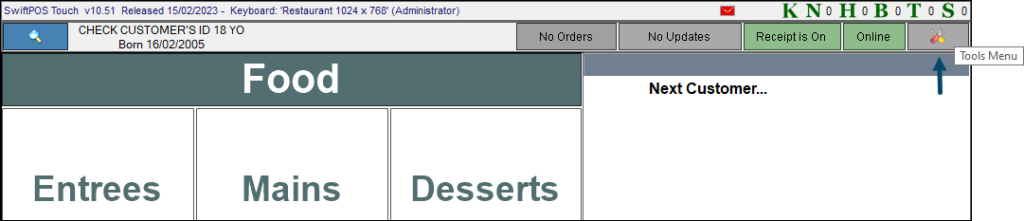
To access. select the Tools Menu option in the top right-hand corner of the Touch screen.
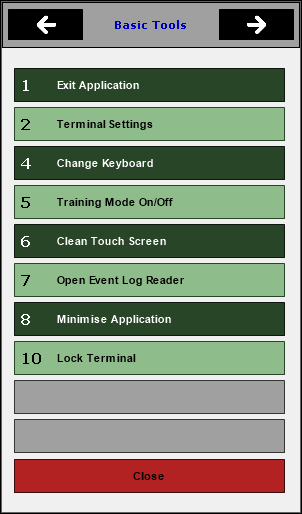
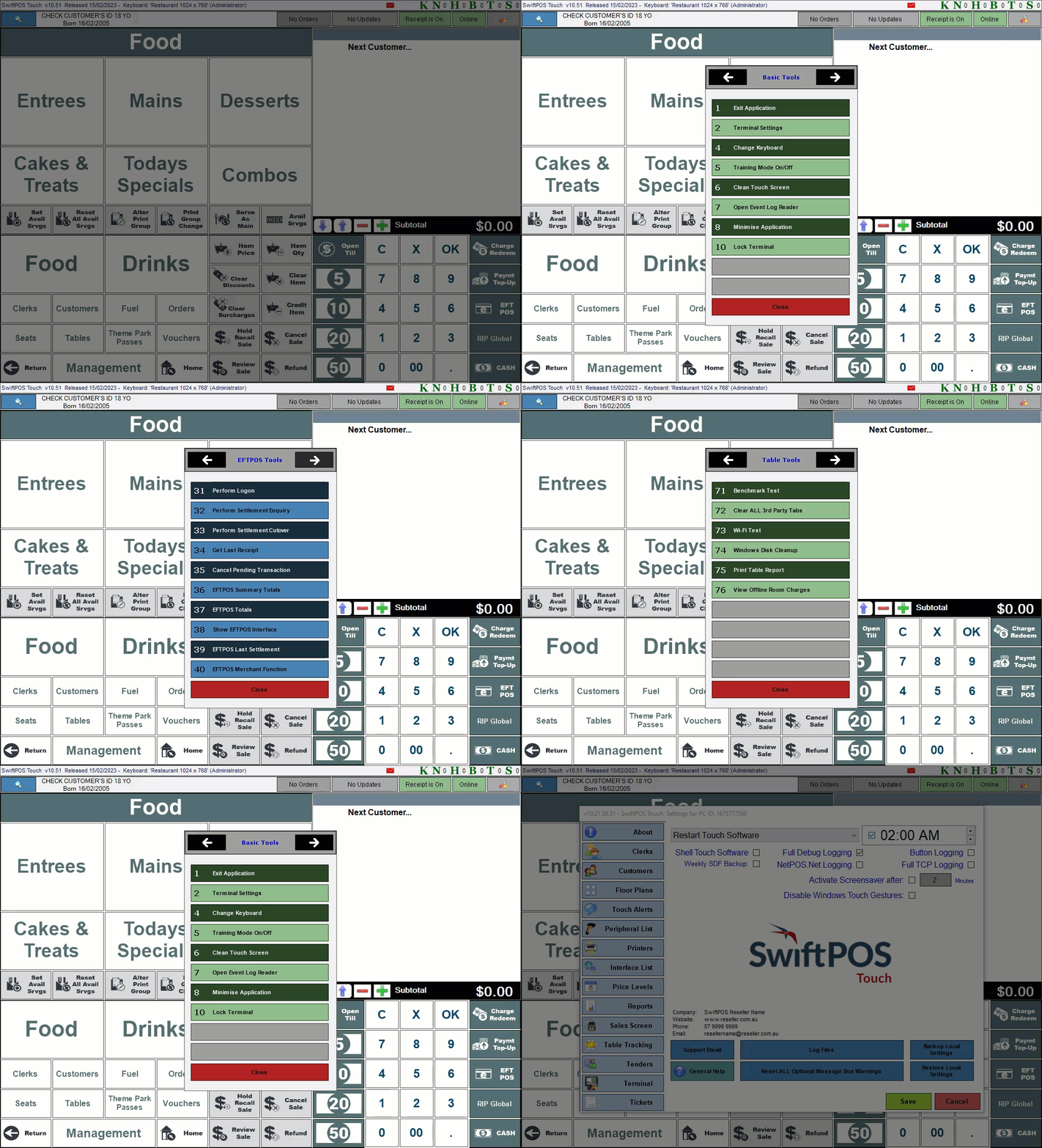
Once selected the first menu, Basic Tools will be displayed. The most frequently used Touch configurations can be found by selecting the Terminal Settings menu option.
Alternatively, one can navigate through the available tools menus by selecting the left/right arrows.
Refer HERE for more information on the tools menus that are available.
End of article ▲